
Authentication and task security
Protect both the Foxora account session and each task’s execution authority; signing in does not grant unrestricted computer access.
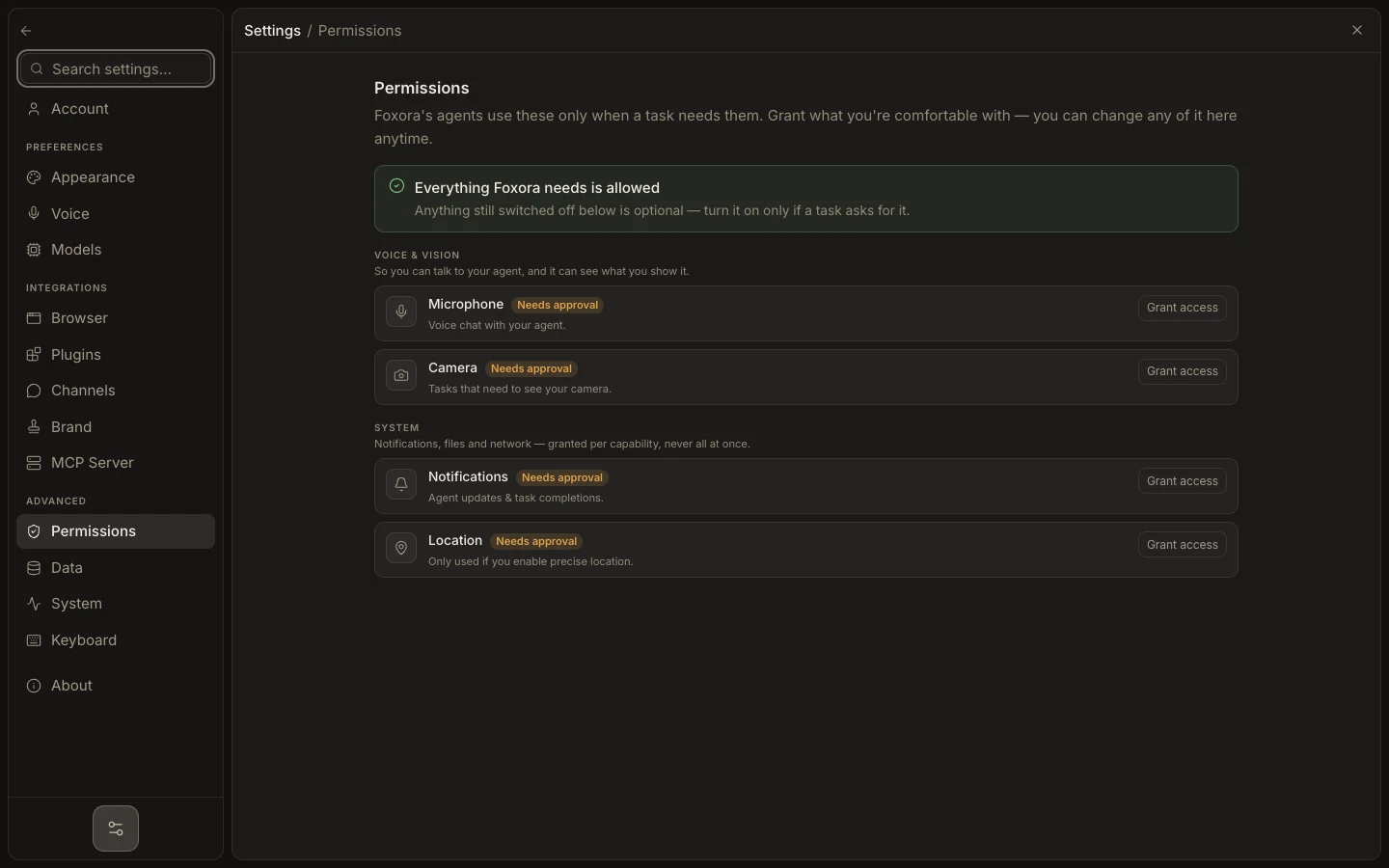
- Sign in only through Studio, the official account domain, or
foxora login. - Verify the email shown under Account or with
foxora whoami. - Open Security & sessions and review the sign-in method, last sign-in, and active device count.
- Revoke unfamiliar devices and reset the password after suspicious activity.
- For every task, review its project, autonomy mode, and pending approval targets.
OAuth and email/password establish account identity. Device permissions and task approvals are separate gates. A current browser sign-out leaves other authorized devices connected until you revoke them.
Expected result: only recognized sessions can authenticate, and each task remains constrained to its intended workspace and permissions.