
Memory privacy
Foxora conversation memory can contain messages, working memory, and observational history, so keep secrets out of prompts and export before cleanup.
- Use a task and project scope that matches the information being discussed.
- Put API keys and passwords in dedicated credential fields, never in chat.
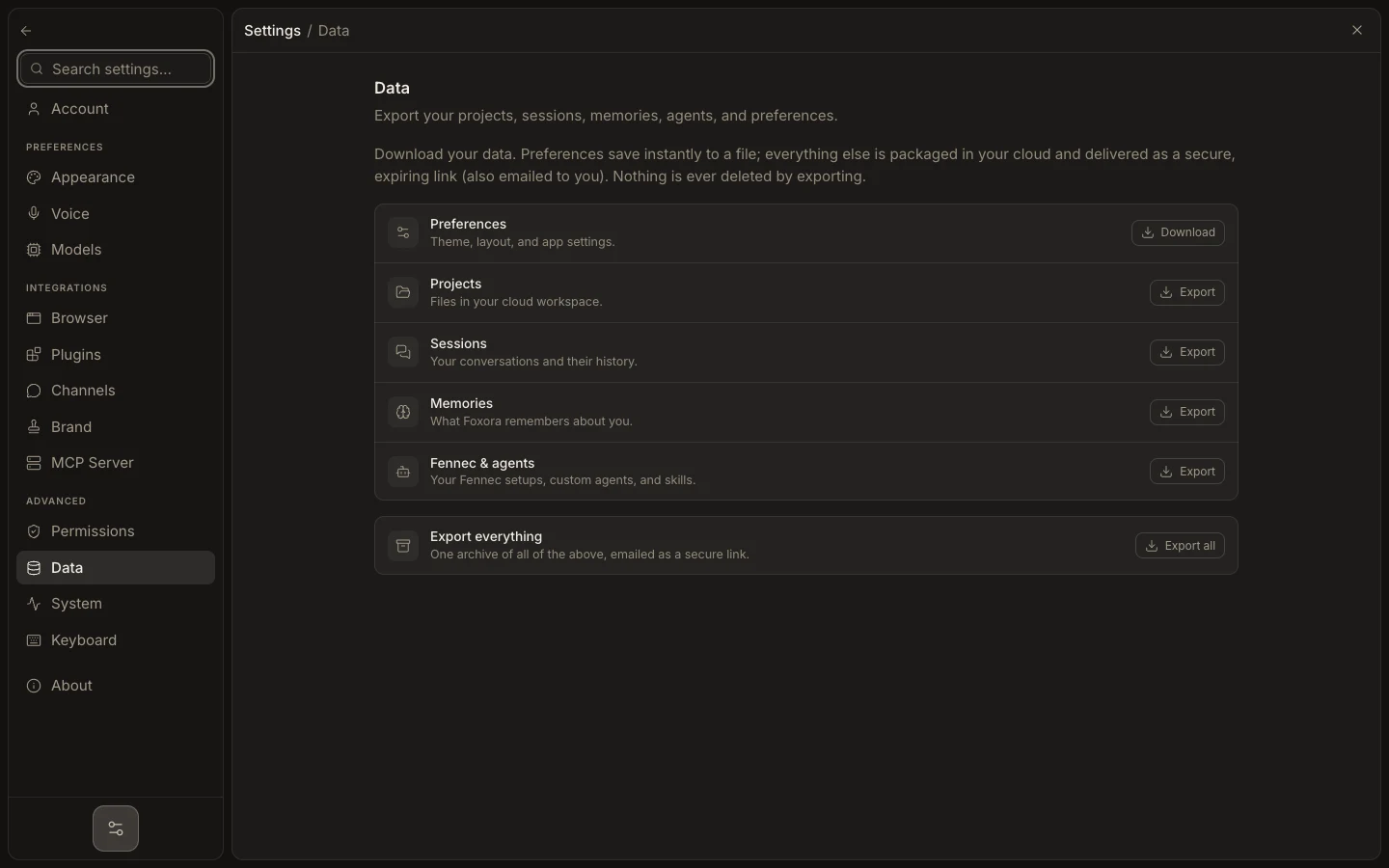
- Open Memory Den to inspect durable records; use Settings → Data to export them, then verify the archive.
- Treat task history and durable memory as separate categories.
- For a full local wipe, stop the runtime and use the supported data-removal or uninstall flow.
Memory Den is the current runtime-memory screen, backed by native storage. Older mnemonic-palace and loci descriptions no longer match the implementation. Signing out clears account/session caches, not every local project or exported file.
Expected result: sensitive values stay outside memory, and any retained memory has an intentional device and backup boundary.