
Local data storage
Treat Desktop and CLI data as device-local unless a feature explicitly says it uses the Foxora account or cloud workspace.
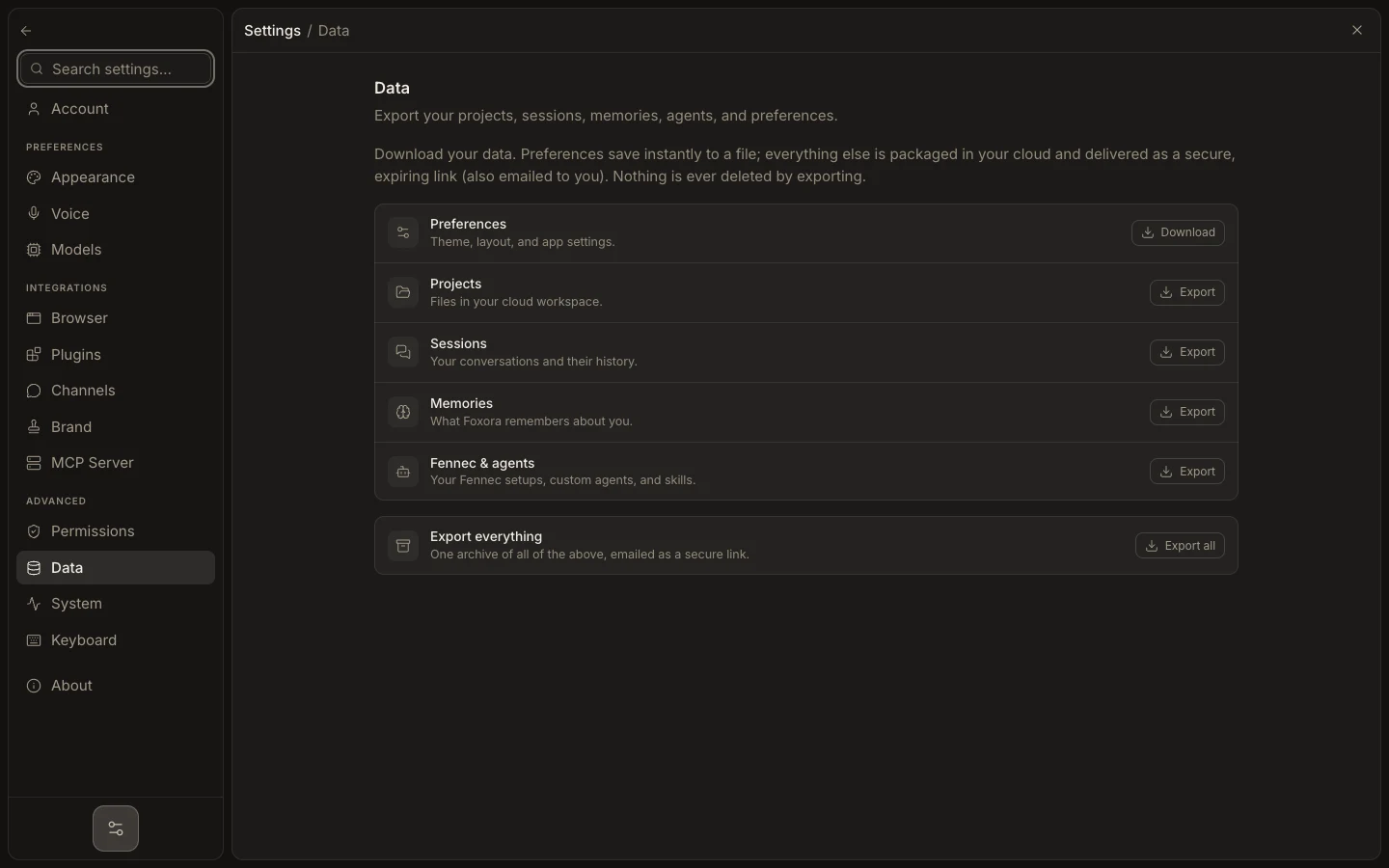
- Open Settings → System to inspect the active runtime and local data location.
- On macOS and Linux, Foxora’s shared data home is
~/.foxora; on Windows it is%USERPROFILE%\.foxora. - Use Settings → Data to export supported categories before repair, uninstall, or migration.
- Protect the OS account, disk encryption, backups, and project folders that contain local work.
Browser profiles, downloads, project files, and cloud workspace data can live outside the shared data home. Do not delete .foxora while the runtime is running, and do not assume signing out removes device-local files.
Expected result: you can identify which device owns the data and have a verified export before any destructive change.