
Overview
Secure Foxora by separating account access, task authority, connected services, and device-local data instead of treating them as one permission.
- Review Account → Security & sessions and revoke unknown devices.
- Choose the least authority a task needs: Ask permissions, Accept edits, Auto mode, or Full Access.
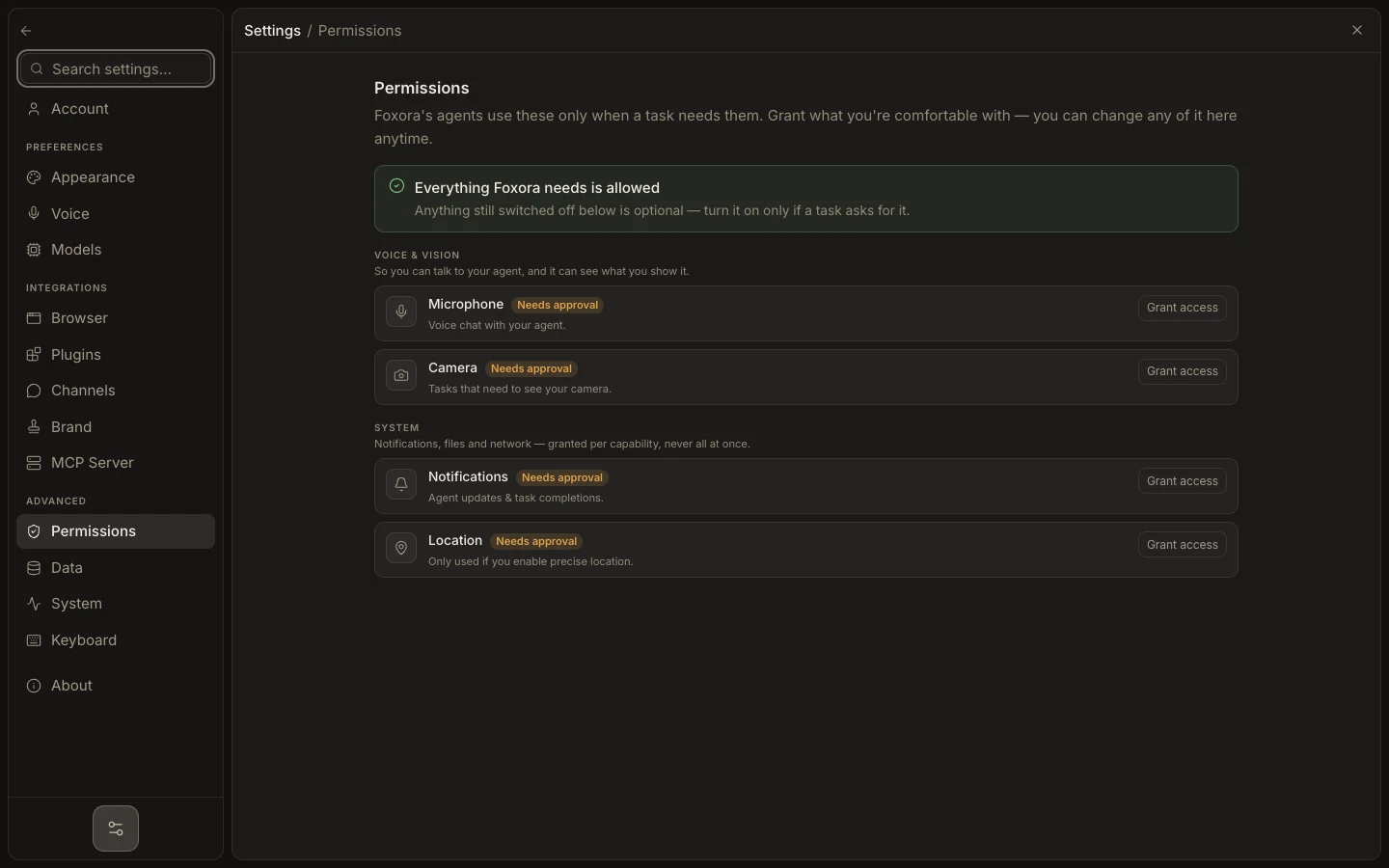
- In Settings → Permissions, enable only the device capabilities required for your work.
- Store keys in dedicated Models, Plugins, or Channels fields; never paste secrets into prompts.
- Export important data before account deletion or device cleanup.
Account deletion, local data removal, browser-profile cleanup, and external-provider revocation are separate actions. Completing one does not imply the others happened.
Expected result: trusted devices remain signed in, unnecessary capabilities are off, and sensitive data has a known storage and deletion path.