
Permission and autonomy security
Set task autonomy separately from operating-system permissions so an agent receives only the authority needed for the current outcome.
- Use Ask permissions to approve every mutating action.
- Use Accept edits when file changes may proceed but commands and destructive actions should still ask.
- Use Auto mode only for bounded work inside the authorized workspace.
- Use Full Access only when work must leave that workspace; Desktop also requires its device-local full-computer gate.
- Review each approval target, then lower the mode when the task ends.
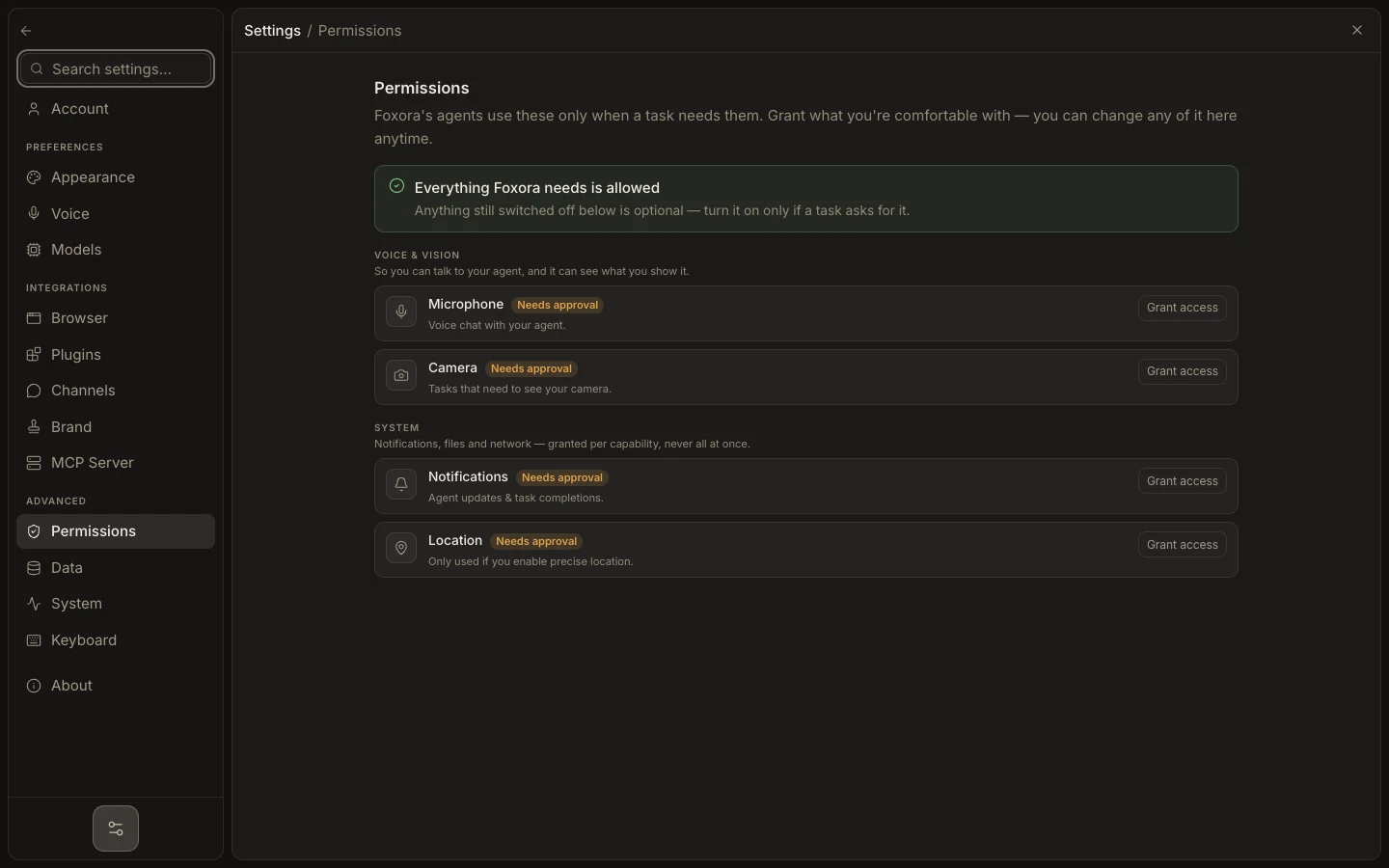
Open Settings → Permissions to grant or revoke screen, microphone, browser, automation, and other OS capabilities. An approval card resumes one exact request; it is not a permanent device grant.
Expected result: the task can perform its intended action while unrelated files, devices, and OS capabilities remain outside its authority.