
Managing secrets and API keys
Enter credentials only in Foxora’s dedicated secret fields, restrict their scope at the provider, and rotate them immediately after suspected exposure.
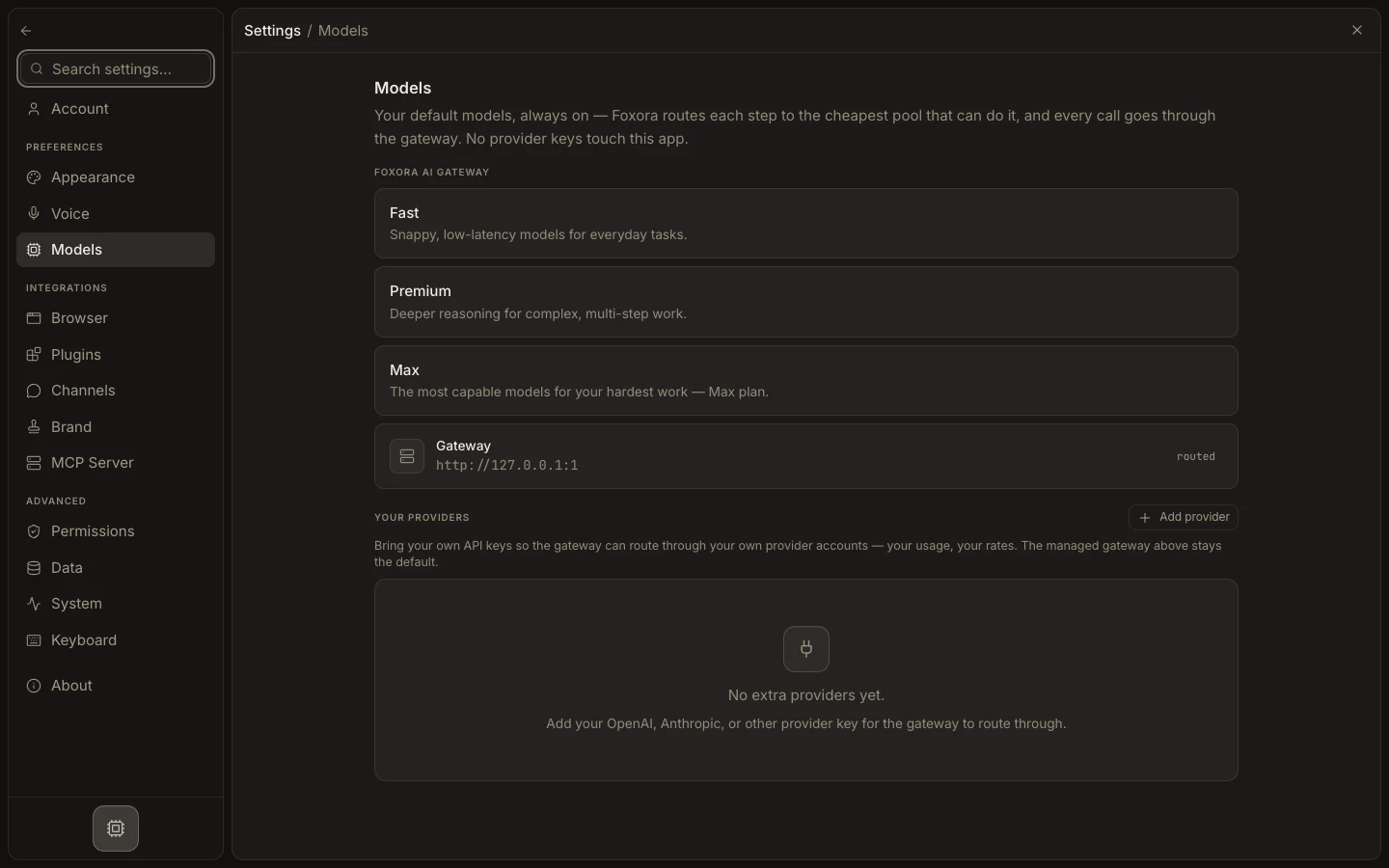
- Create the narrowest provider key or OAuth grant that supports the task.
- Add it through Settings → Models, Plugins, or Channels, depending on the integration.
- Confirm saved secret fields return masked rather than plaintext values.
- Test one harmless read before enabling write, publish, payment, or messaging actions.
- If exposed, revoke the credential at the provider, replace it in Foxora, and retest.
Never paste tokens into chat, source files, screenshots, logs, or support messages. Keep secret-bearing environment files out of version control. Disconnecting a Foxora integration may not revoke the provider’s credential, so complete both sides.
Expected result: the integration works with minimum scope and no full secret is visible in Foxora’s saved configuration.