
Exporting or deleting data
Export and delete account, cloud, and device-local data as separate scopes, verifying each result before moving to the next.
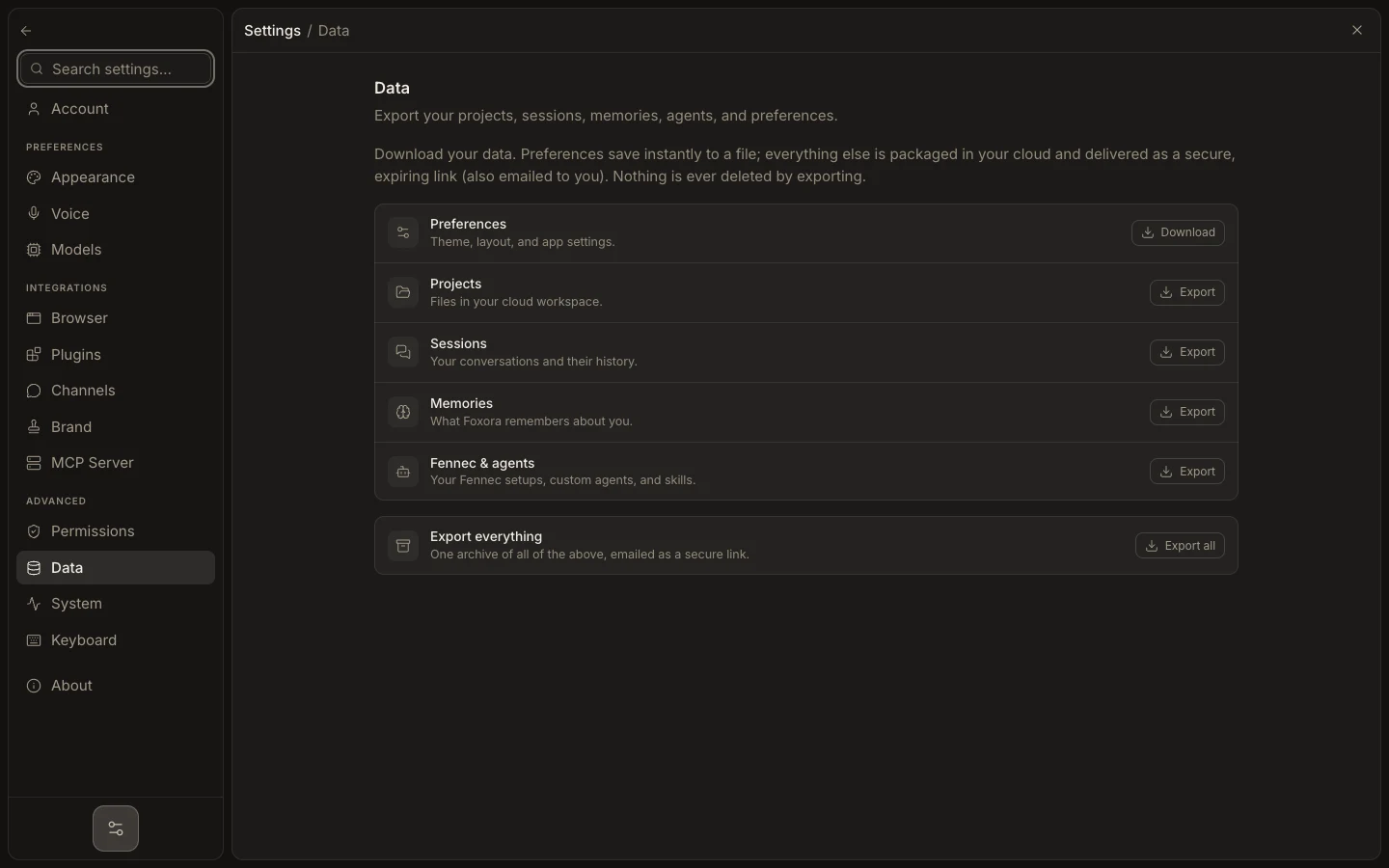
- Open Settings → Data and choose Preferences, Projects, Sessions, Memories, Agents, or Export all.
- Downloaded preferences arrive immediately; other categories may be prepared as a secure expiring link.
- Open the result and confirm it contains the expected category before deleting anything.
- Delete the Foxora account only through the explicit authenticated flow; it is irreversible.
- Remove local data, browser profiles, downloads, and external-provider access separately where required.
Exporting never deletes data. Account deletion erases account-owned service records but does not prove that every device-local file or separate provider copy is gone.
Expected result: the archive is readable, only the intended scope is removed, and unrelated local or external data remains intact.