
How agents select tools
An agent can request only capabilities it can discover from its configuration and the active Runtime. Relevance does not override authority.
On this page2
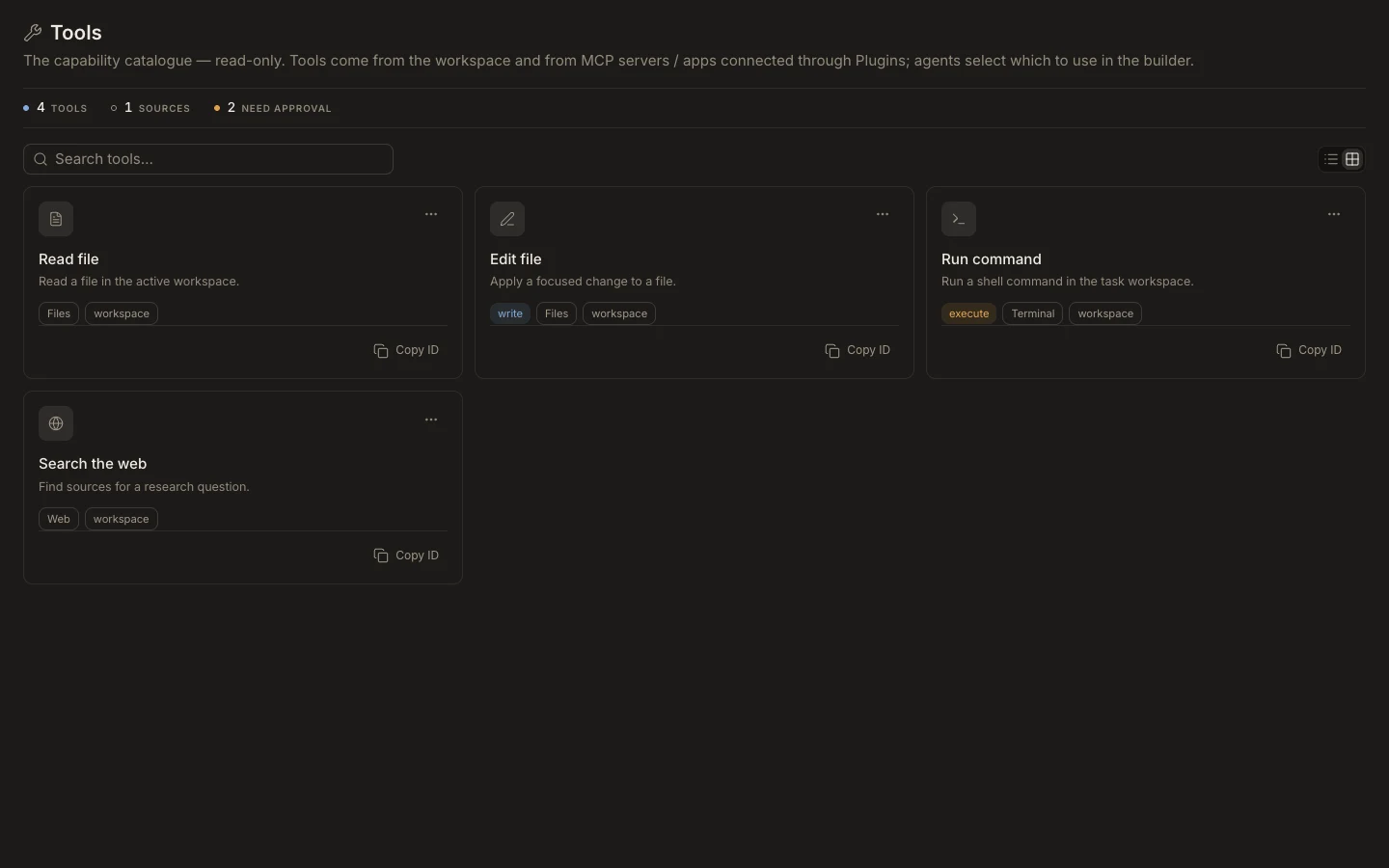
Control selection
- In the custom agent’s
Permissionssection, assign the smallest useful tool set. - Add skills that explain when and how those tools should be used.
- Configure plugins separately and keep channel allow-lists narrower than general task access.
- Choose a task permission mode that matches the risk.
- In a test, verify the agent uses the expected tool and avoids unrelated ones.
Expected result
The transcript shows a relevant tool call with visible input and output. File scope, network or browser switches, approvals, connected-account permissions, and hard policy can still block execution even when the tool is assigned.