
Connect additional tools
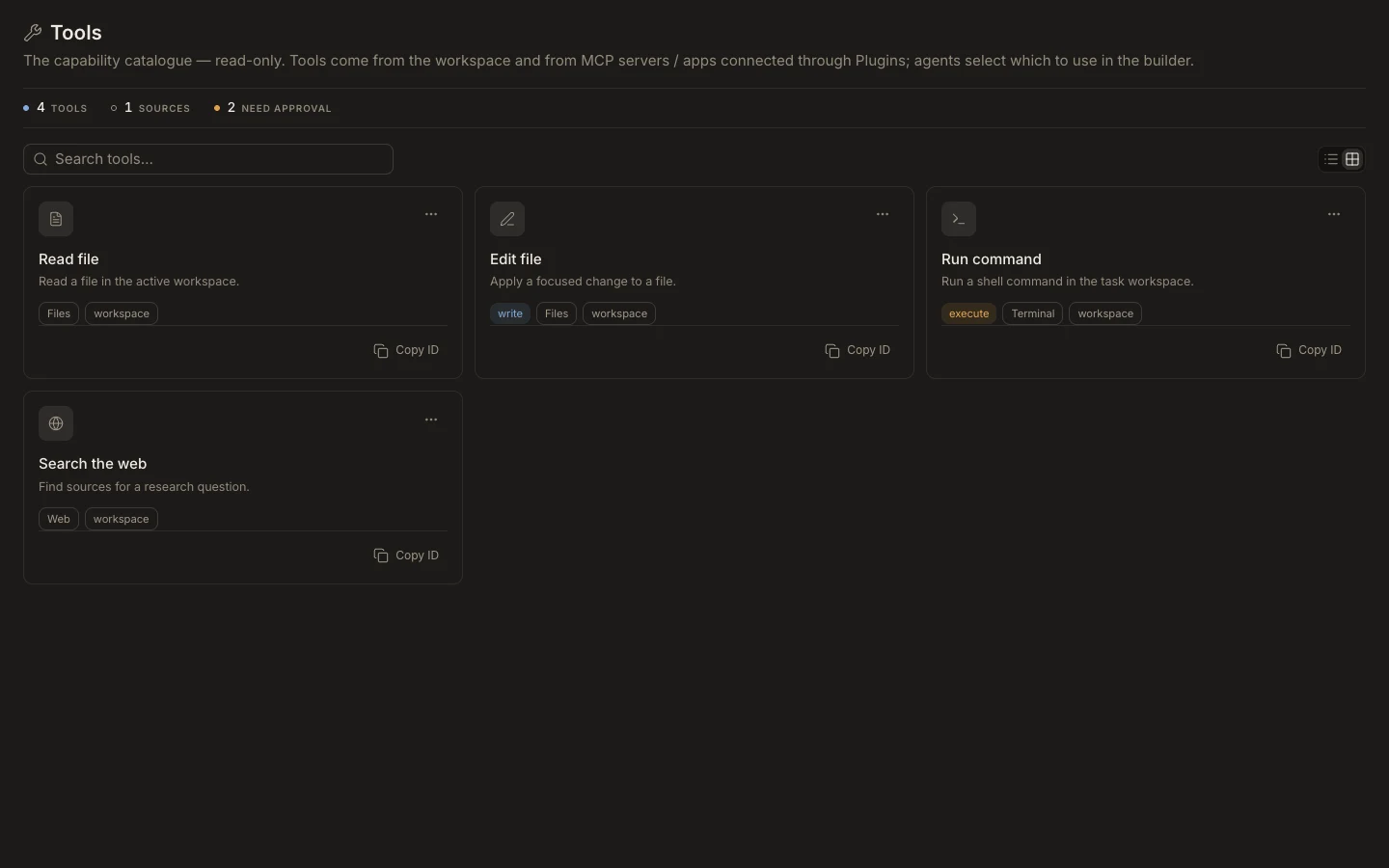
Studio does not author executable tools. Add capability by connecting an app or MCP integration, or by changing the workspace Runtime outside this catalog.
On this page2
Add a connected capability
- Open
Settings→Plugins. - Select
Add pluginand choose the app or MCP-backed connector. - Complete OAuth or provide the requested credential through the connection form.
- Return to
Studio→Toolsand search for the newly discovered action. - Assign the required tool or plugin to a custom agent and test a read-only request first.
Expected result
The connected source and its available actions appear in the catalog. If nothing appears, refresh the connection and Runtime catalog before editing agents. Never paste a provider secret into an agent prompt or skill body.