
Built-in tool catalog
Workspace built-ins can include file, shell, browser, and other Runtime capabilities. The live catalog is the authority; a fixed documentation list would become stale.
On this page2
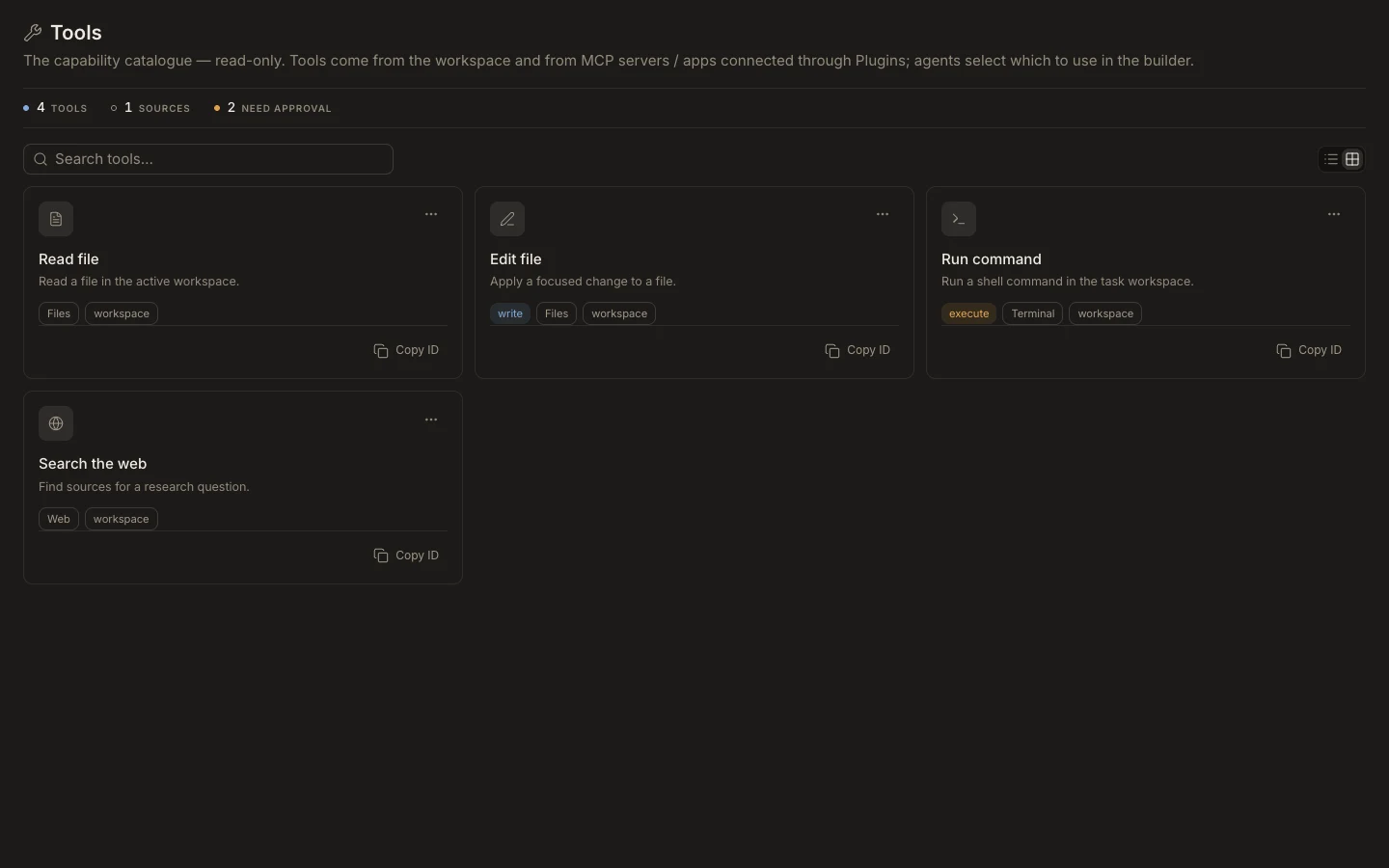
Review what is available
- Open
Studio→Toolsafter the workspace finishes loading. - Search for the action you need rather than assuming a tool ID.
- Check the source tag to distinguish workspace, MCP, and connected-app tools.
- Check whether the tool is tagged
writeorexecute. - Copy the tool ID and assign it only to the agent that needs it.
Expected result
The agent’s capability list uses an ID that exists in the current Runtime catalog. A tool appearing in the catalog does not automatically authorize it for every agent or task.