
Tool permissions and approvals
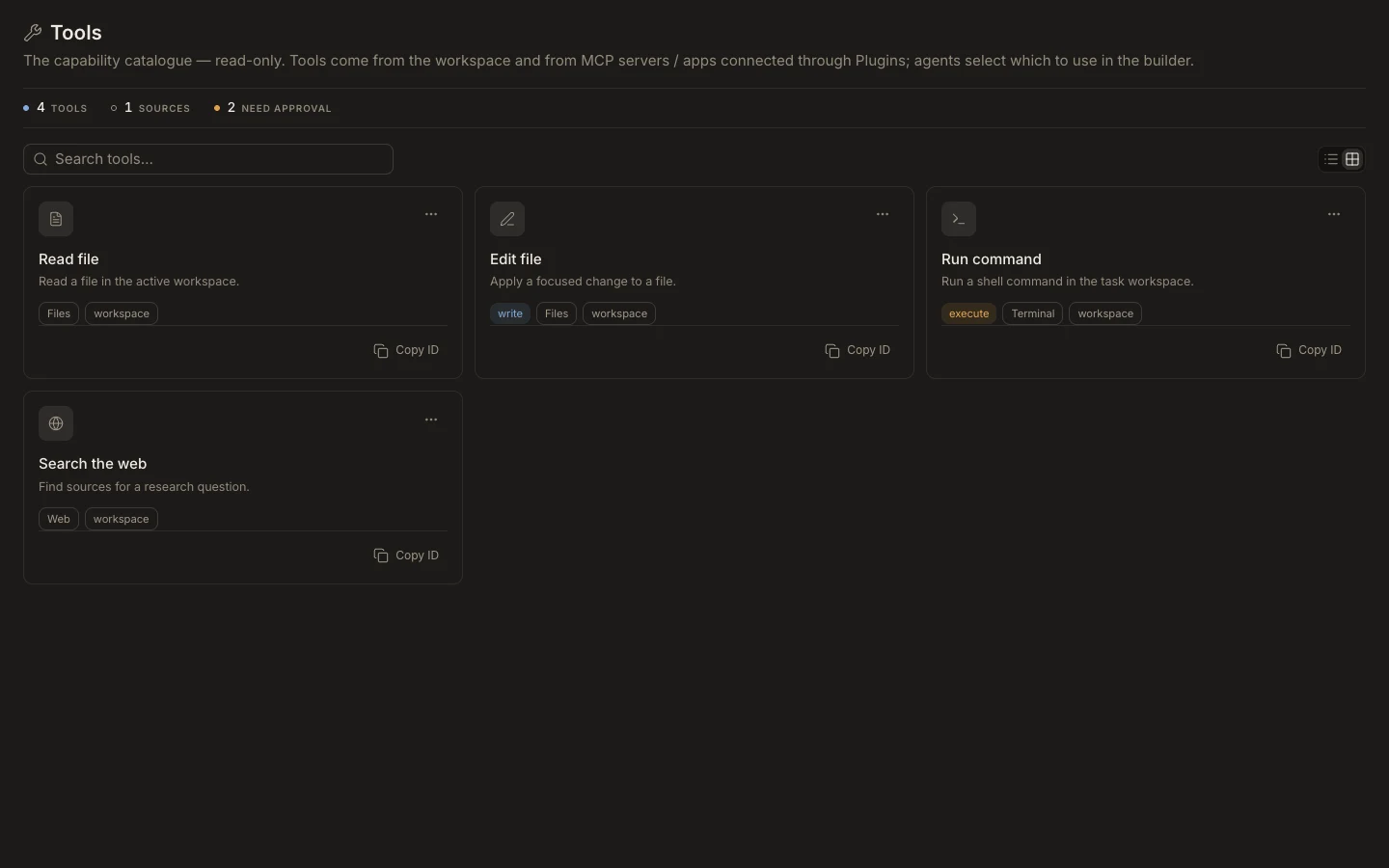
Tool access is layered: agent assignment, task mode, operating-system permission, connected-account scope, and hard Runtime policy all apply.
On this page2
Choose safe authority
- Assign the tool only to agents that need it.
- Use
Ask permissionsfor unfamiliar work and review each proposed action. - Use
Accept editswhen file edits are expected but commands still need review. - Use
Auto modeonly for trusted, bounded work you can verify. - Reserve
Full Accessfor controlled environments; it does not override protected-action policy.
Expected result
Read-only work proceeds with minimal interruption, while write, execute, external, or destructive actions pause as configured. If a call is blocked, change the specific missing permission instead of broadly expanding every capability.