
Tool inputs and results
Tool calls stay visible in the task transcript so you can inspect what was requested and what the Runtime returned.
On this page2
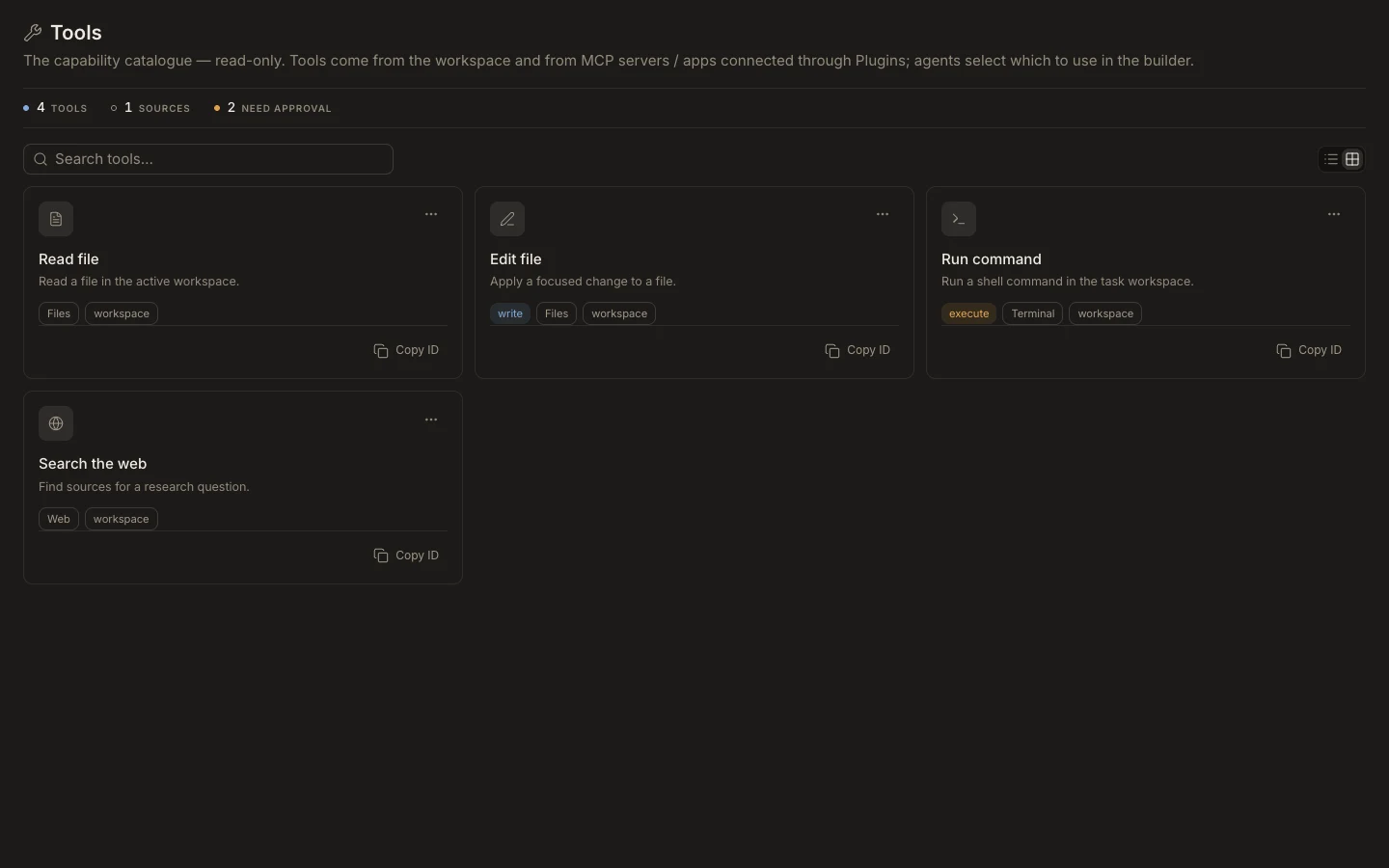
Read a tool call
- Open the task and locate the tool activity row.
- Expand it when you need the command, path, browser target, connected account, or structured input.
- Check the lifecycle state before treating the output as final.
- Open a produced file, preview, terminal, or source-control view in
Stagewhen available. - Compare the result with the task’s requested outcome.
Expected result
You can identify the action, its source, status, and concrete output. Unknown MCP or app tools still render as visible activity rather than being hidden. A successful call proves that action completed; it does not by itself prove the full task is correct.