
Tools overview
Tools are executable capabilities discovered from the workspace, MCP servers, and connected apps. The Studio catalog is intentionally read-only.
On this page2
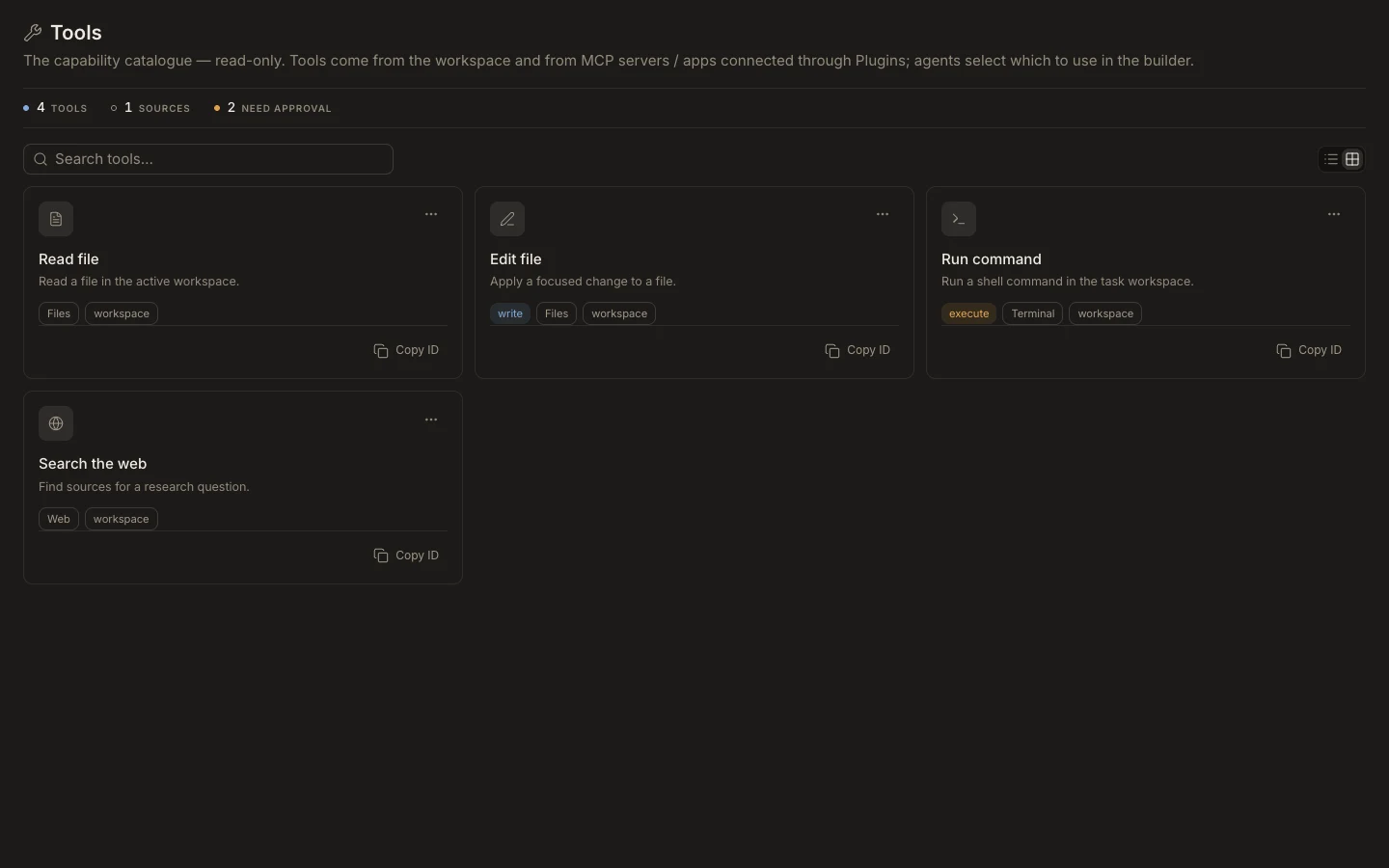
Inspect and assign a tool
- Open
Studio→Tools. - Search by name or description and note the tool’s group, source, and approval tag.
- Use
Copy IDwhen an exact identifier is needed for configuration or support. - Open a custom agent and assign the tool in
Permissions. - Run a bounded task and review the visible tool row before approving an action.
Expected result
The tool is available to the assigned agent, but only within the task’s context, permission mode, and hard Runtime policy. There is no New tool action in Studio; new capabilities arrive from the workspace or a connection made through Plugins.