
Handle tool failures
A failed tool row is evidence about one action, not proof that the whole task or connection is broken.
On this page2
Recover safely
- Expand the failed tool row in the task transcript and read its input, source, and error.
- Check whether the action partially changed a file or external resource.
- Fix the specific cause: context, permission, plugin authentication, missing input, network, or Runtime availability.
- Retry only when repeating the action cannot duplicate a message, payment, record, or destructive change.
- If needed, send a follow-up that states what already completed.
Expected result
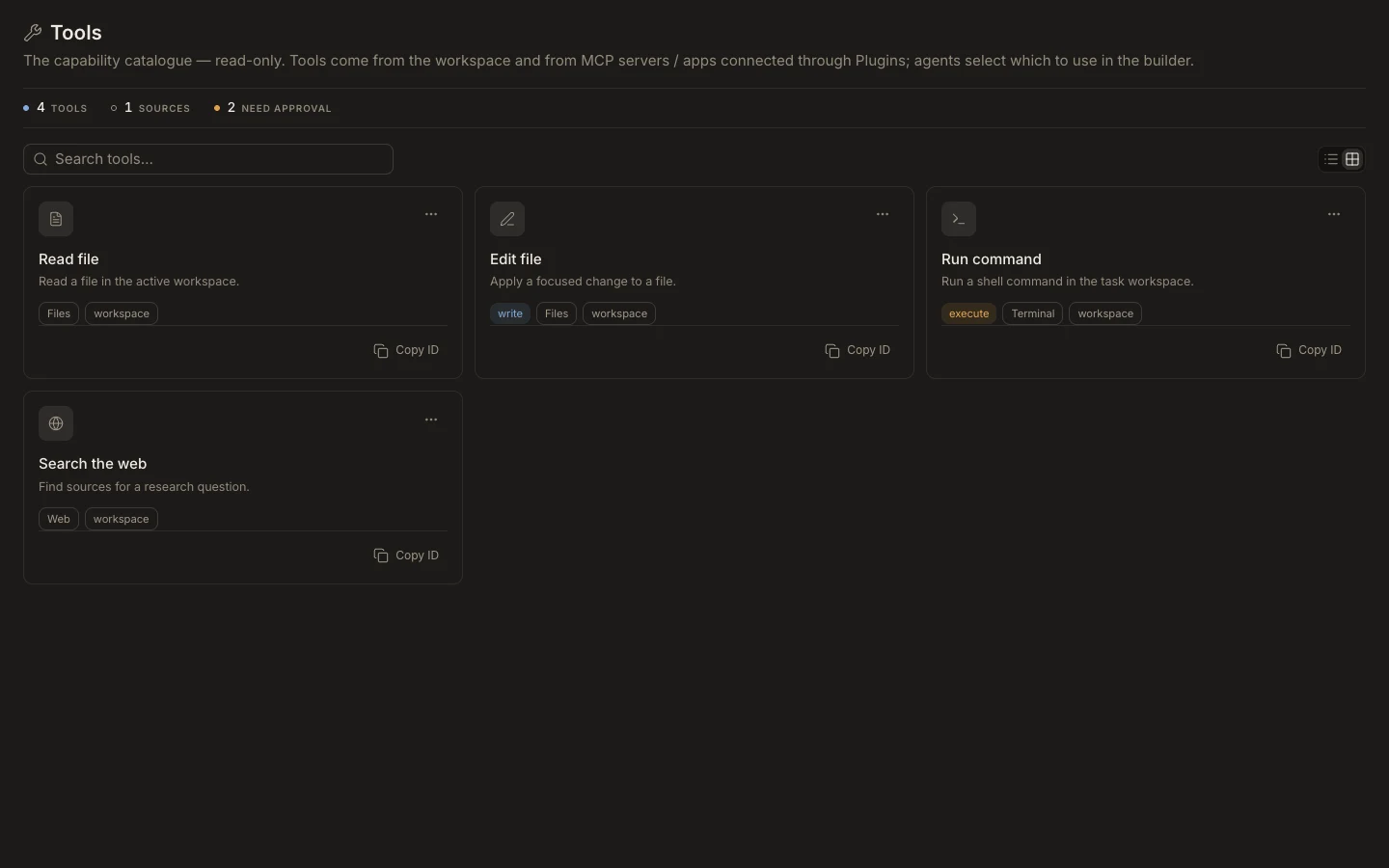
The next attempt starts from a known state and either succeeds or fails with a narrower cause. Use Runs for process status and the owning plugin page for connection errors; the read-only Tools catalog cannot repair executions.