
MCP security and troubleshooting
Treat the local and cloud MCP endpoints differently. Desktop loopback is intended for programs on the same computer, while the cloud endpoint requires authenticated requests.
On this page2
Verify a failed connection
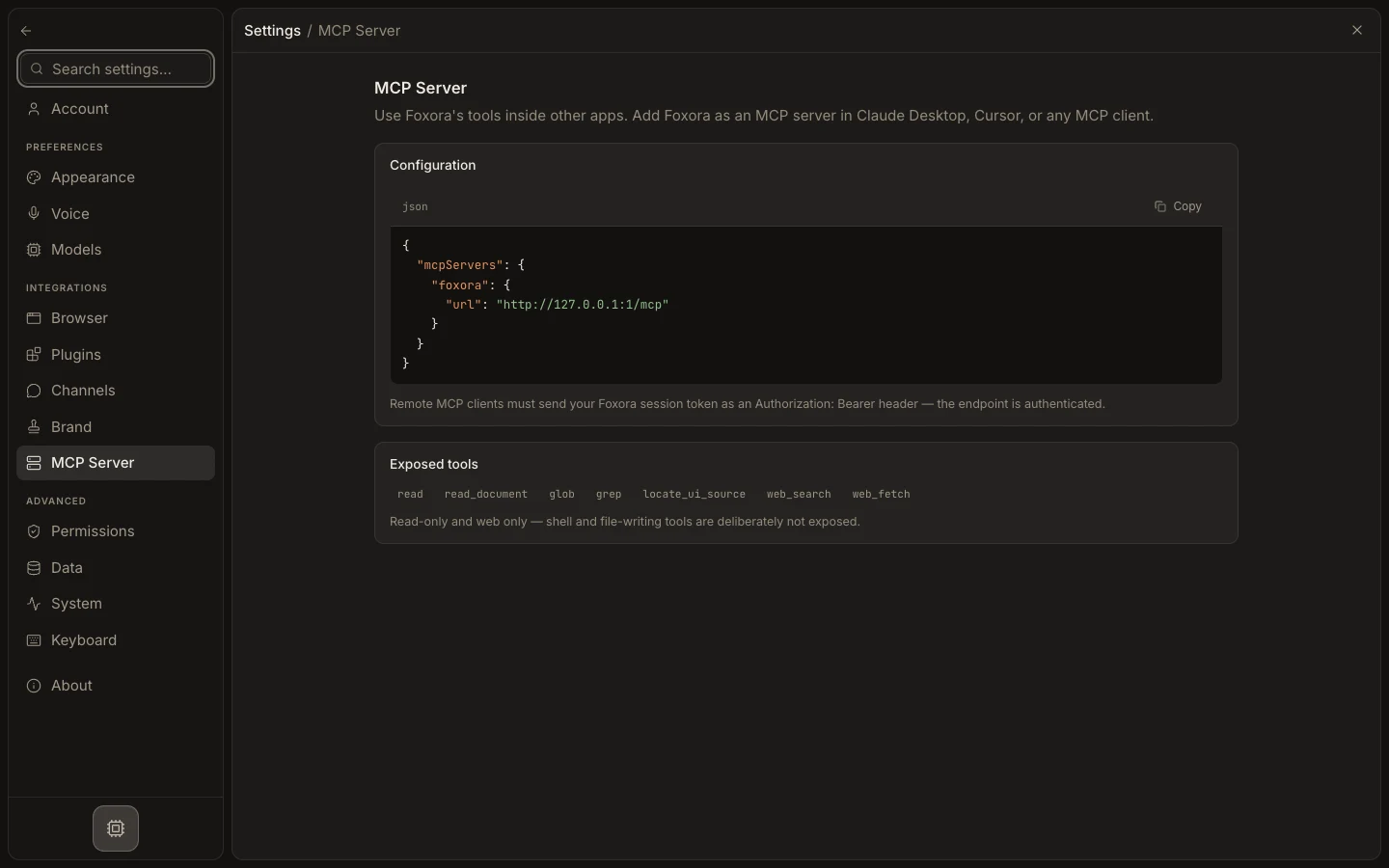
- Recopy the JSON from
Settings→MCP Server. - On Desktop, confirm Foxora is running and the client uses
http://127.0.0.1:4097/mcp. - On web, confirm the client sends the current Foxora session token as an
Authorization: Bearerheader. - Reload the client and inspect its server log for connection or authentication errors.
- Confirm the discovered tools are limited to read, document, search, glob, grep, UI-source lookup, and web access.
Expected result
The server connects with the correct boundary; shell and file-writing tools never appear through this endpoint.