
Managing and removing MCP connections
Foxora's outward MCP configuration is owned by the external client. Connected plugin accounts are managed separately in Studio, so remove the correct side of the integration.
On this page2
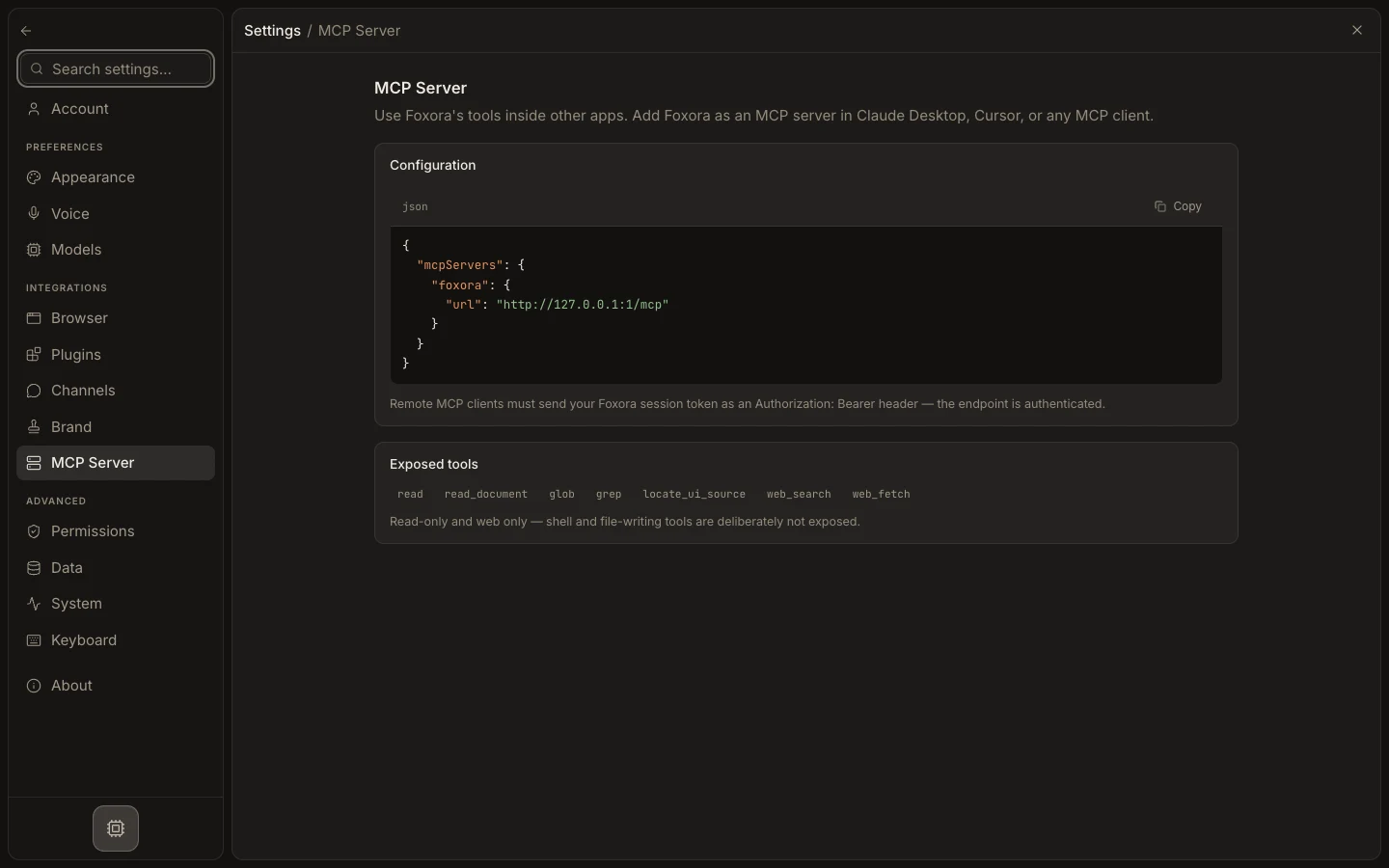
Remove the intended connection
- For Foxora-as-server, open the external client's MCP settings.
- Remove or disable its
foxoraserver entry, then reload that client. - Leave Foxora's
MCP Serverpage unchanged; it is a generated reference, not a server list. - For a plugin-supplied tool connection, open
Settings→Plugins, select the plugin, and disconnect the relevant account. - Recheck the client or agent tool list.
Expected result
Only the selected client registration or plugin account is removed; unrelated Foxora connections continue working.