
Models and providers overview
Foxora separates the Fennec experience from provider model names. Managed Fennec tiers route through the Foxora AI Gateway, while optional provider connections let custom agents use your own model accounts.
On this page2
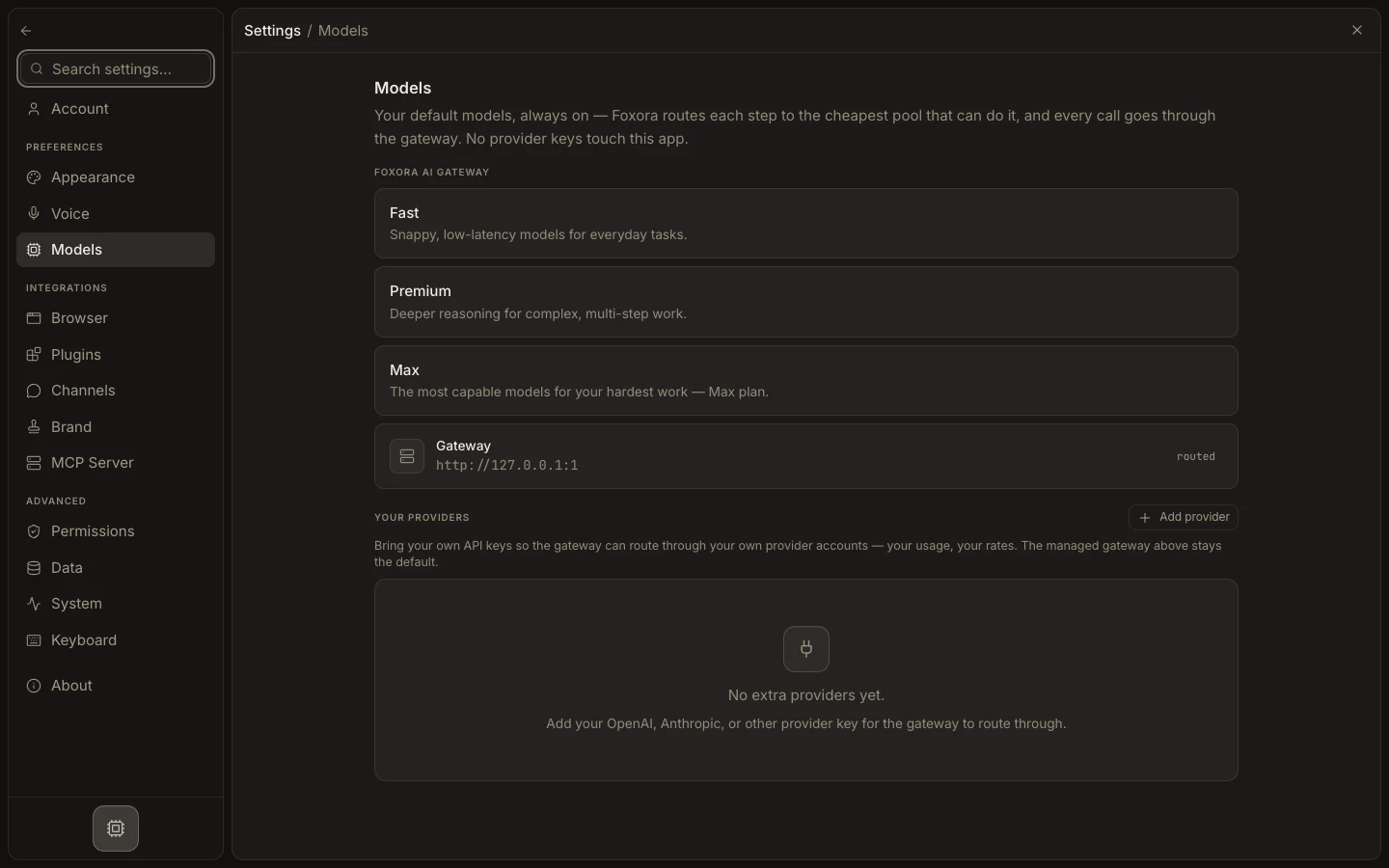
Understand the model layers
- Open
Settings→Models. - Review the managed Fast, Pro, and Max capabilities and their availability for your plan.
- Use
Your providersonly when you want to add a provider API key. - Choose a Fennec tier or saved Agent crew from the task composer.
- For a raw BYOK model route, edit a custom agent's
Modelstab instead of looking for individual models in the composer.
Expected result
Every task uses a clear Fennec or custom-agent route, while provider credentials and model fallback order remain separate configuration concerns.