
Configuring the Foxora MCP server
The MCP Server page generates configuration for using Foxora from another MCP client; its endpoint and authentication depend on where Studio is running.
On this page2
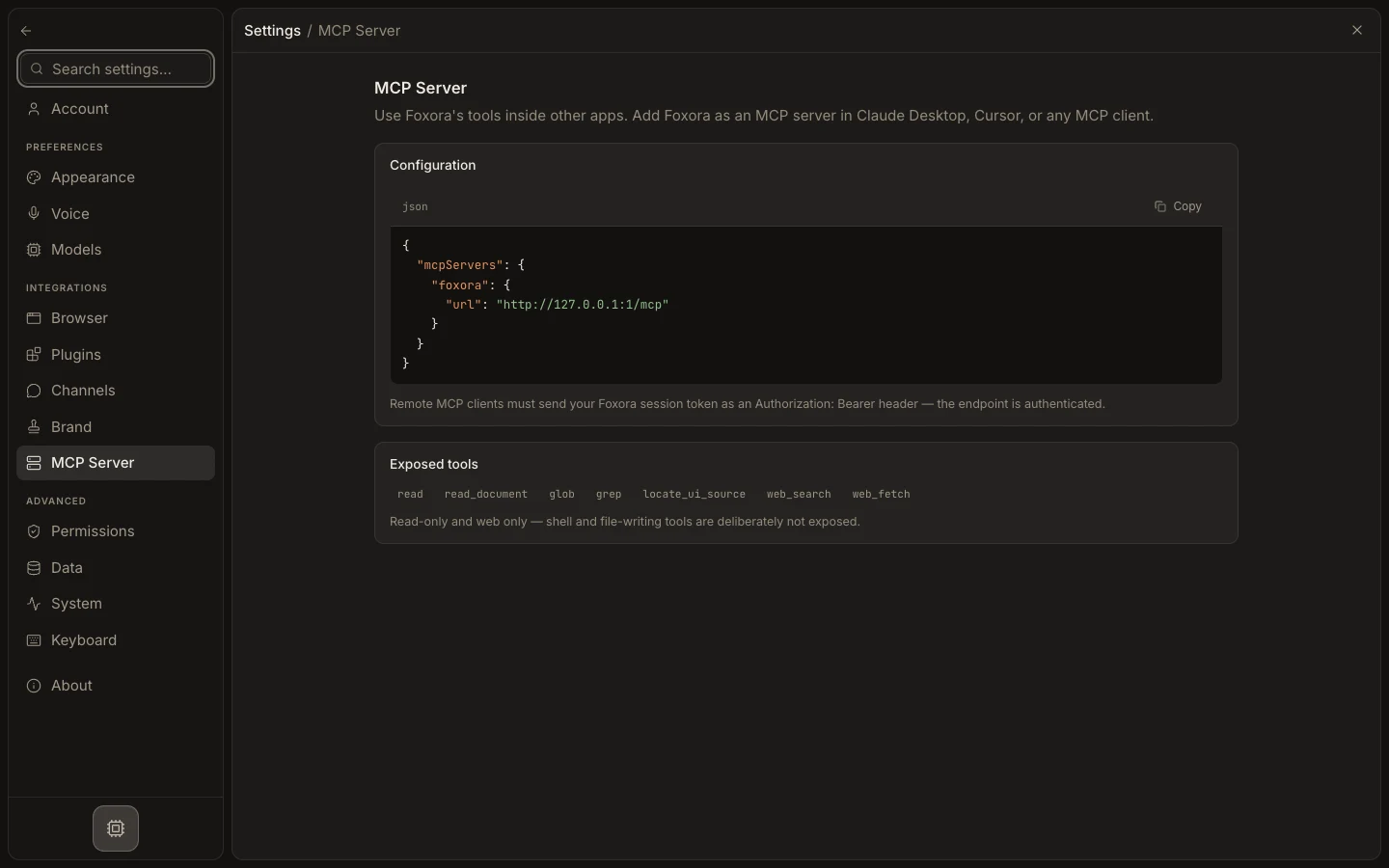
Configure a client
- Open
Settings→MCP Server. - Copy the displayed JSON into the external client's MCP configuration.
- On Desktop, keep Foxora running so
http://127.0.0.1:4097/mcpremains available to clients on that computer. - On web, use the displayed cloud endpoint and configure an
Authorization: Bearersession token in a client that supports headers. - Reload the external client and inspect its MCP tool list.
Expected result
The client discovers Foxora's limited read and web tools without exposing shell or file-writing operations.