
MCP overview
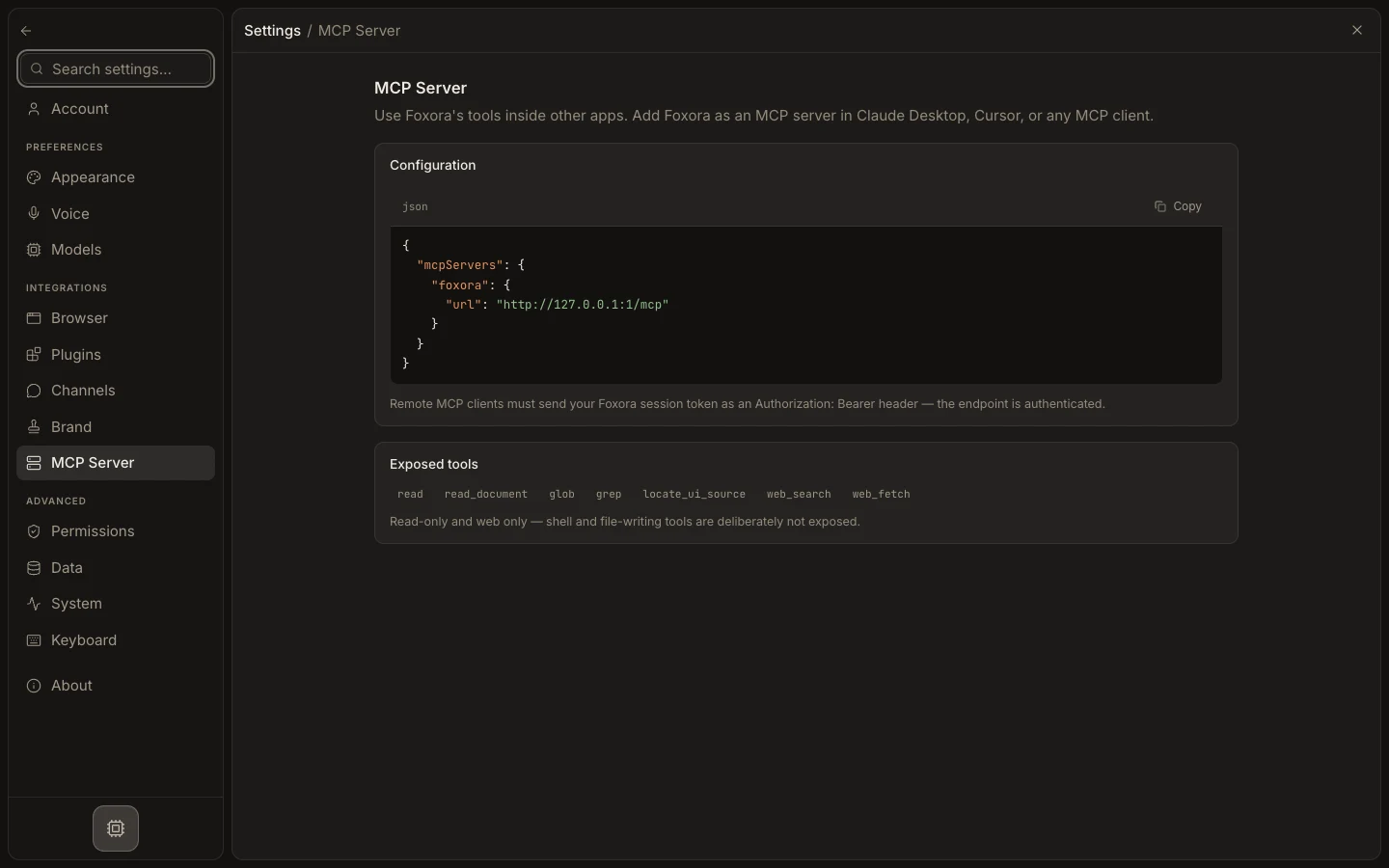
Foxora uses MCP in two distinct directions: connected plugins can supply tools to Fennec, while Foxora can expose a small read-only tool set to external MCP clients.
On this page2
Choose the correct path
- Open
Settings→Pluginswhen Fennec needs tools from a supported external app. - Select
Add plugin, connect an account, and review the tools it provides. - Open
Settings→MCP Serverwhen Claude Desktop, Cursor, or another client should call Foxora. - Copy the displayed client configuration and follow the local or remote authentication note.
- Apply agent, channel, and runtime permissions before using connected tools.
Expected result
Tools flow through the intended boundary without treating Foxora's outward MCP endpoint as a generic inbound server manager.