
Plugin permissions and security
A connected plugin introduces external data and actions. Grant the smallest provider scope and the smallest Foxora scope that complete the job.
On this page2
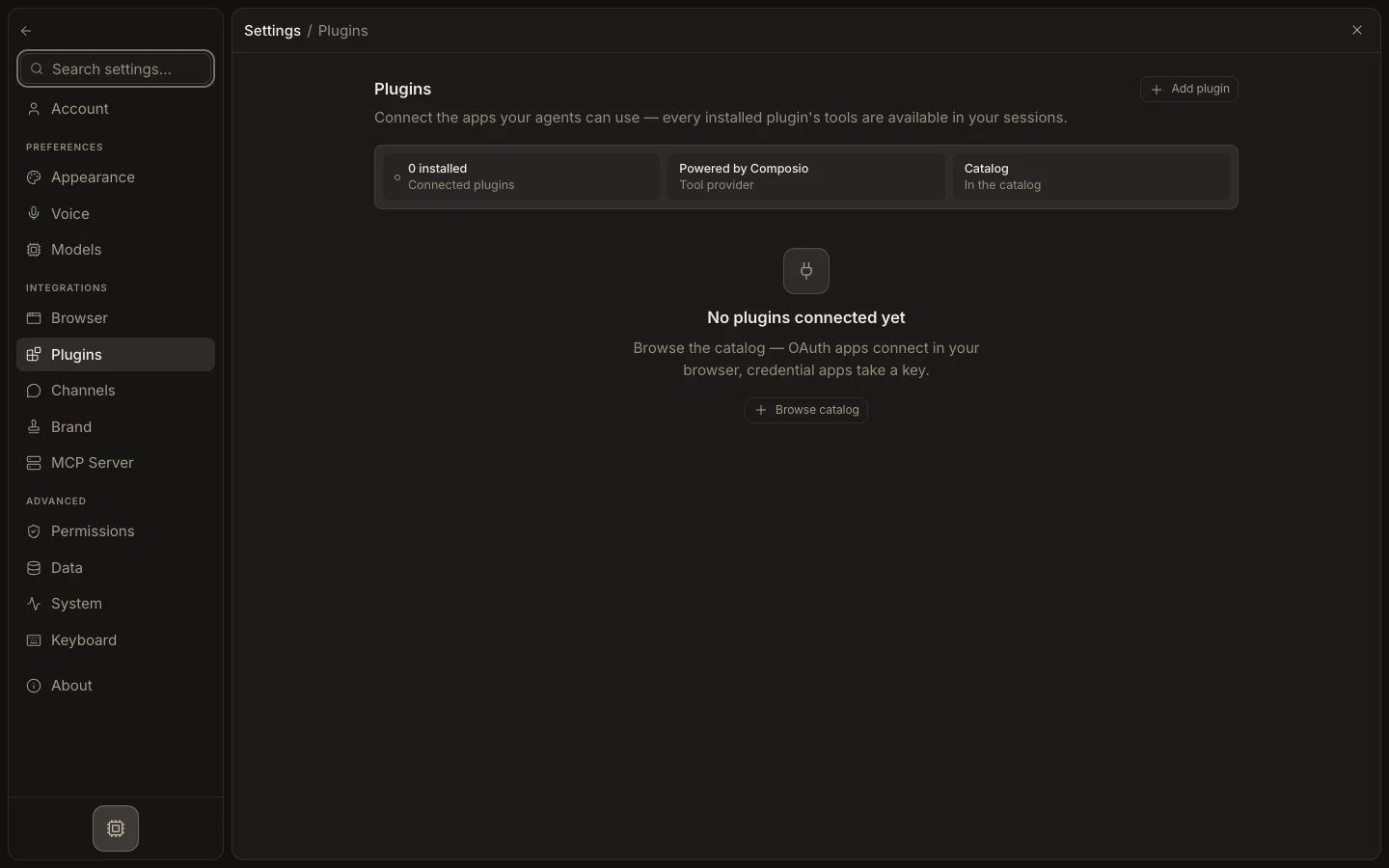
Limit access
- Review the provider’s OAuth scopes or credential requirements before connecting.
- Use a dedicated account when the task should not access a personal workspace.
- Assign plugins and their tools only to the agents that need them.
- For channels, set an explicit plugin allow-list and data-use rule.
- Keep writes and sends behind task or workflow approval until tested.
Expected result
A representative read succeeds, unrelated accounts or apps remain inaccessible, and a protected write pauses or is refused as expected. Never place OAuth tokens, API keys, or secrets in prompts, agent instructions, skill bodies, or screenshots.