
Manage connected plugin accounts
A plugin can have more than one connected account. Keep the intended identity clear before allowing writes.
On this page2
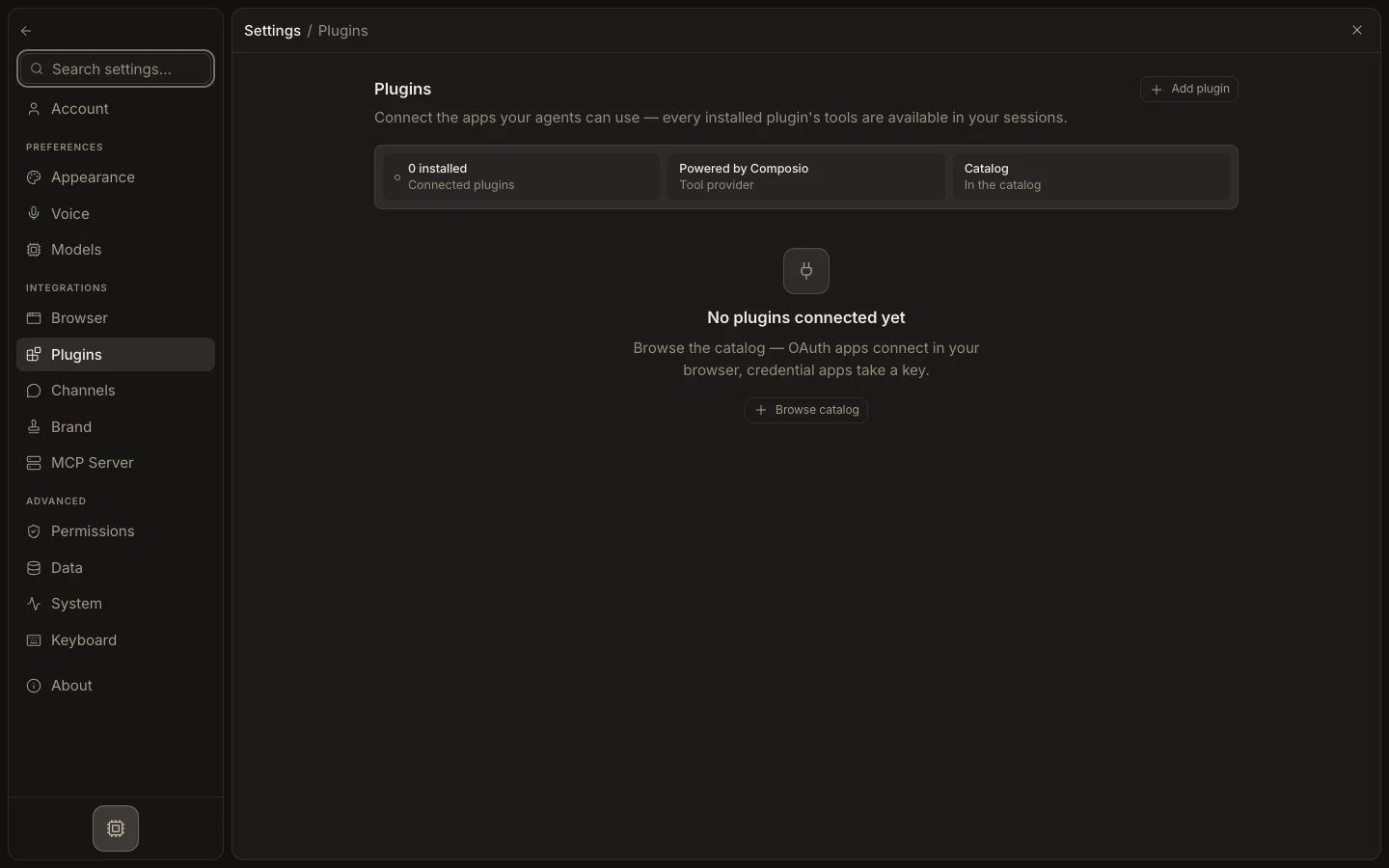
Review account access
- Open
Settings→Pluginsand select a connected plugin. - Read
Connected accountsand check each account’s status and identity. - Select
Connect another accountwhen a separate workspace or user is required. - Test a read that names the expected account, folder, repository, or mailbox.
- Select
Disconnecton an account that should no longer be available.
Expected result
Only the required accounts remain connected and task output comes from the intended one. Disconnecting an account removes its future access; it does not undo messages, files, records, or other actions already created in the external app.