
Plugins overview
Plugins connect external apps through Foxora’s gateway and add their available actions to Studio.
On this page2
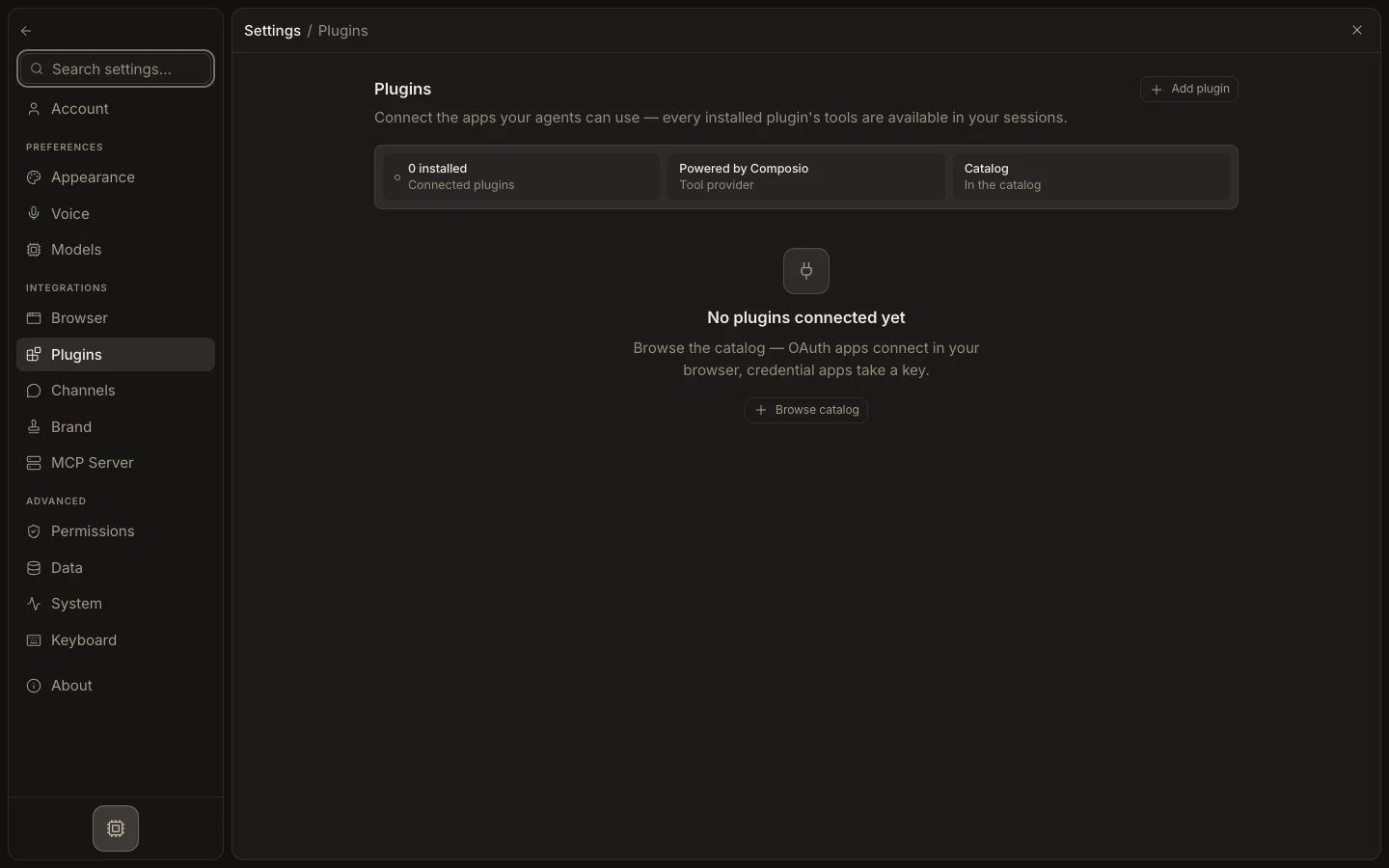
Connect and verify a plugin
- Open
Settings→Plugins. - Review
Connected pluginsor selectAdd plugin. - Search the live catalog and open the app’s detail page.
- Select
Connect, then finish OAuth in the browser or enter the requested credential. - Return to Studio and run one read-only task against the intended account.
Expected result
The plugin appears as connected, its account is listed on the detail page, and its tools can be discovered in sessions and Studio → Tools. Connection alone is not execution authority: agent assignment, task mode, account scope, and Runtime policy still apply.