
Supported plugin catalog
The catalog is loaded from Foxora’s gateway and can change independently of the Desktop release. Treat the live Add a plugin view as the current list.
On this page2
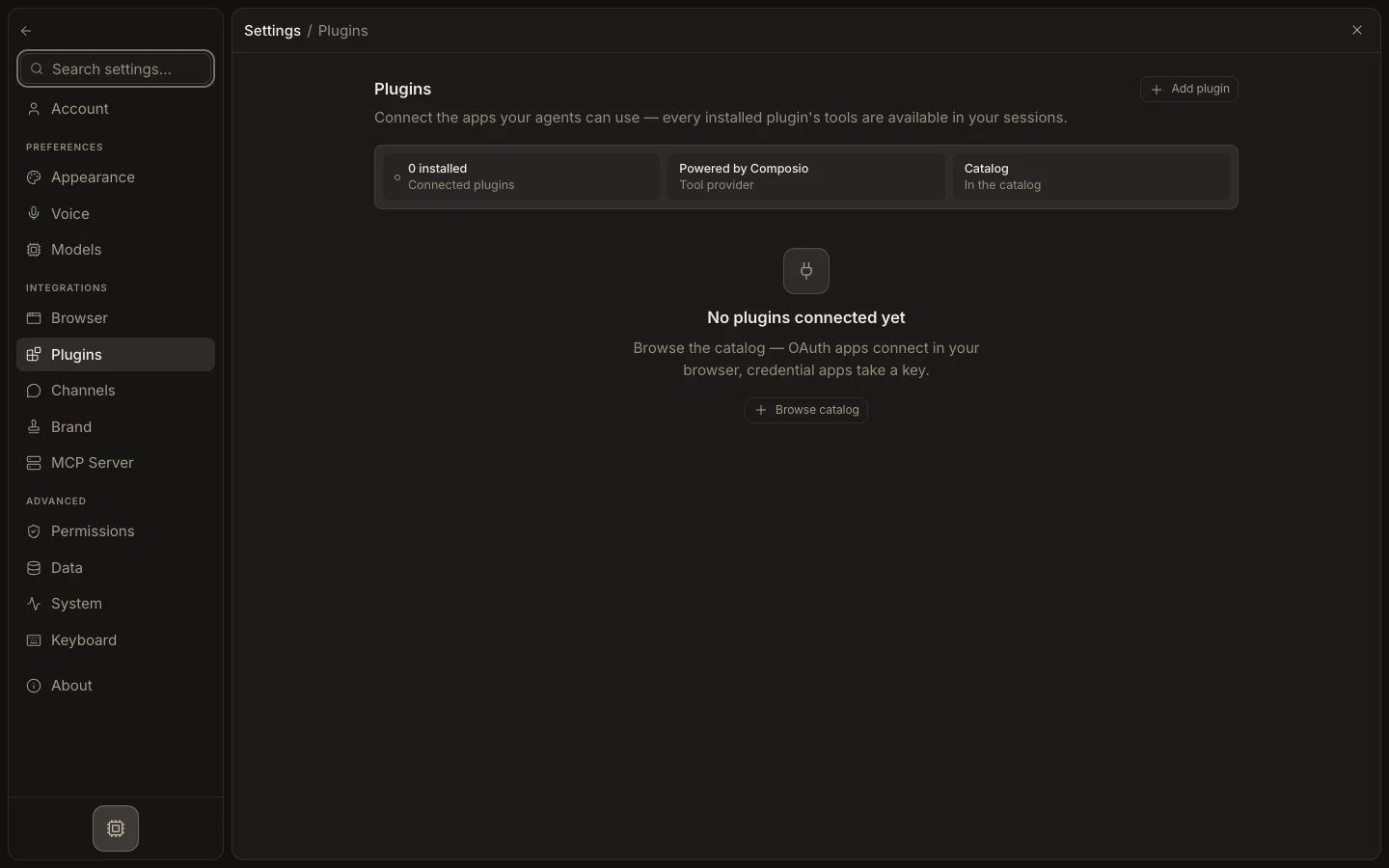
Find a supported app
- Open
Settings→Pluginsand selectAdd plugin. - Search by the provider or task you need.
- Open a result to review its category, description, tools, and authentication type.
- Confirm whether it uses OAuth or a credential form.
- Connect only after checking the provider account and requested scope.
Expected result
The chosen app opens a working authorization path and, after connection, appears under Connected plugins. If search returns no match, do not assume a similarly named connector is equivalent or invent configuration fields; use an available MCP or workspace integration instead.