
Use plugin tools in tasks
Once an account is connected, its actions become discoverable to eligible sessions. The task still needs a clear target and suitable authority.
On this page2
Run a safe first action
- Connect and verify the plugin in
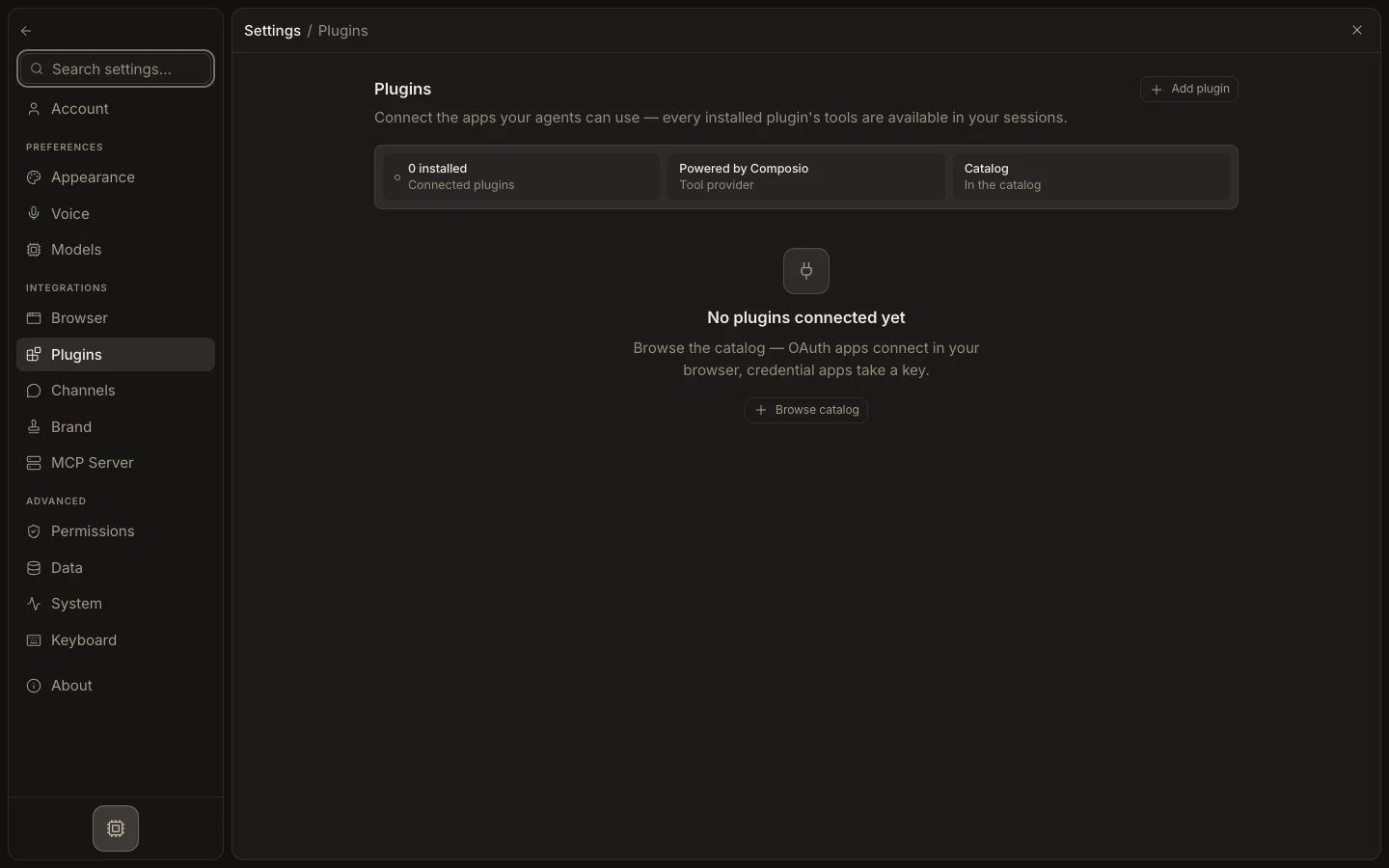
Settings→Plugins. - For a custom agent, assign the plugin or exact tools in its
Permissionssection. - Start a task that names the account, object, and expected result.
- Use
Ask permissionsfor the first write or send. - Expand the plugin tool row and verify the provider’s resulting state.
Expected result
The task uses the intended connected account and returns a visible tool result. A green connection badge or successful read does not authorize every write. If the tool is missing, check the live Tools catalog, agent assignment, and account status before broadening permissions.