
Channels overview
Channels bring Fennec into messaging, email, event, and voice services while Foxora hosts the connection runtime. Each installation combines provider credentials, a compatible crew, and channel-specific access rules.
On this page2
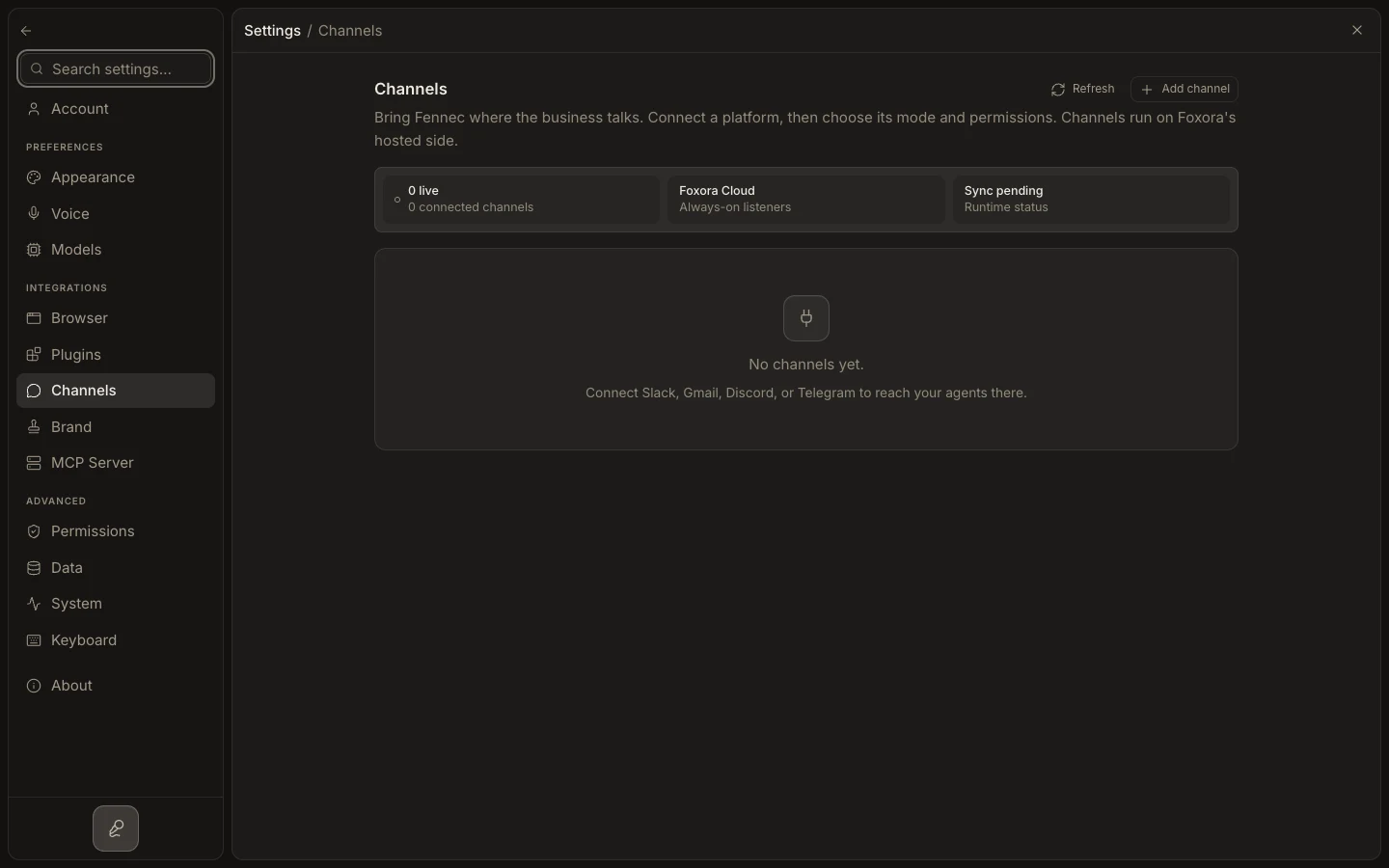
Review your channels
- Open
Settings→Channels. - Check each row's provider, account, Fennec mode, and runtime status.
- Use
Add channelto browse the currently available connector catalog. - Open
Edit channelto review routing and advanced channel controls. - Send a real inbound message after setup; some webhook channels are not proven until their first verified event.
Expected result
A working channel shows a healthy runtime and routes verified messages through the selected crew under its configured plugin and data-use policy.