
Reconnect or remove a plugin
Expired authorization is repaired from the plugin detail page. Studio does not recover a provider account by retrying the failed task repeatedly.
On this page2
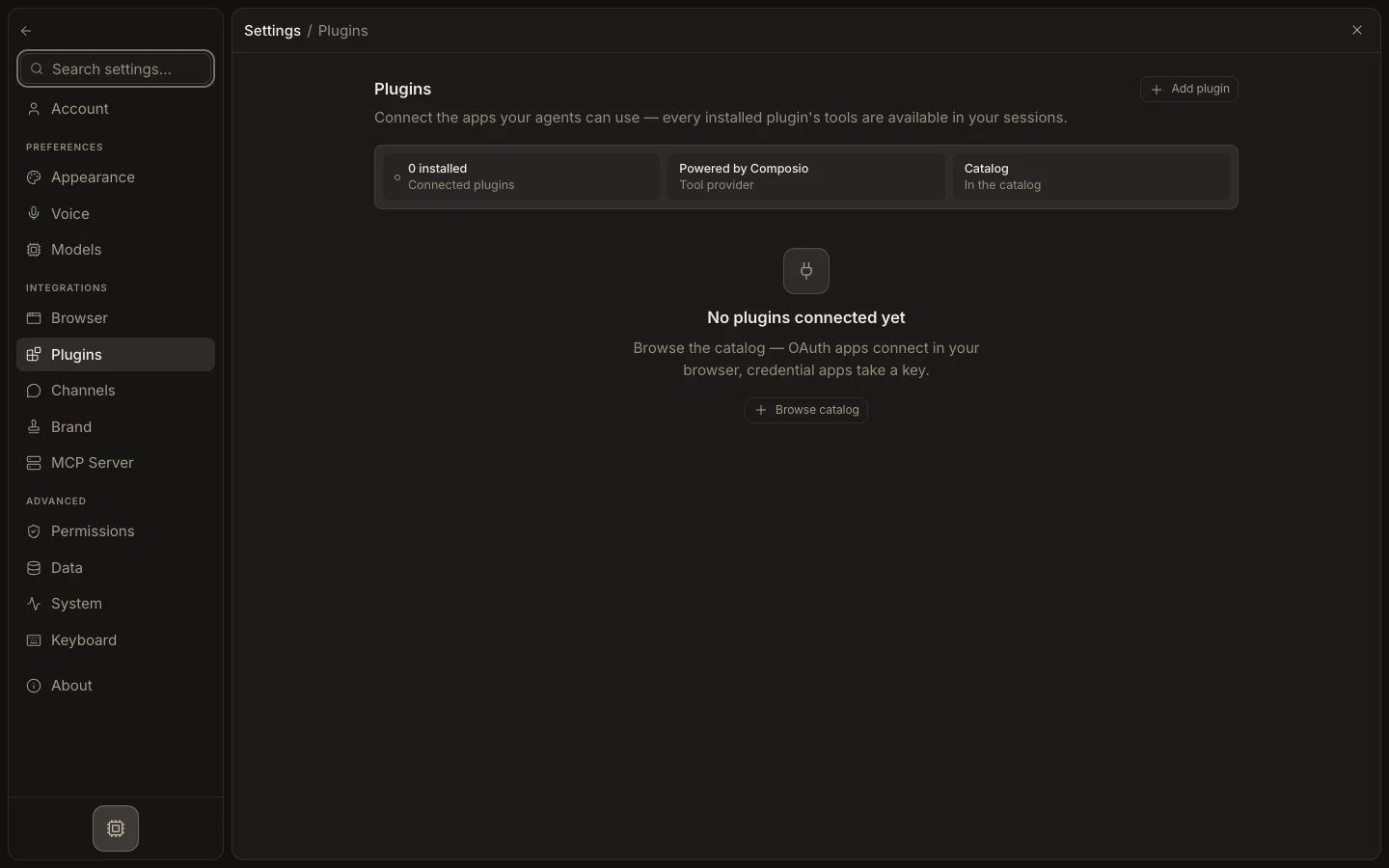
Restore or remove access
- Open
Settings→Pluginsand choose the affected app. - Check the account status and the latest task error.
- Select
ConnectorConnect another accountand complete authorization again. - Run one read-only test before retrying any write.
- Use
Disconnectfor accounts that should be removed.
Expected result
The replacement account is active and the read test identifies the correct provider identity. Remove stale connections from agent and channel configuration when they are no longer needed. Reconnecting does not prove an earlier external action failed; verify the provider before retrying it.