
Foxora を MCP サーバーとして使う
外部 MCP client から Foxora の意図的に限定された read/web tool set を呼ぶ場合に使います。Fennec の全実行機能は公開しません。
このページの内容2
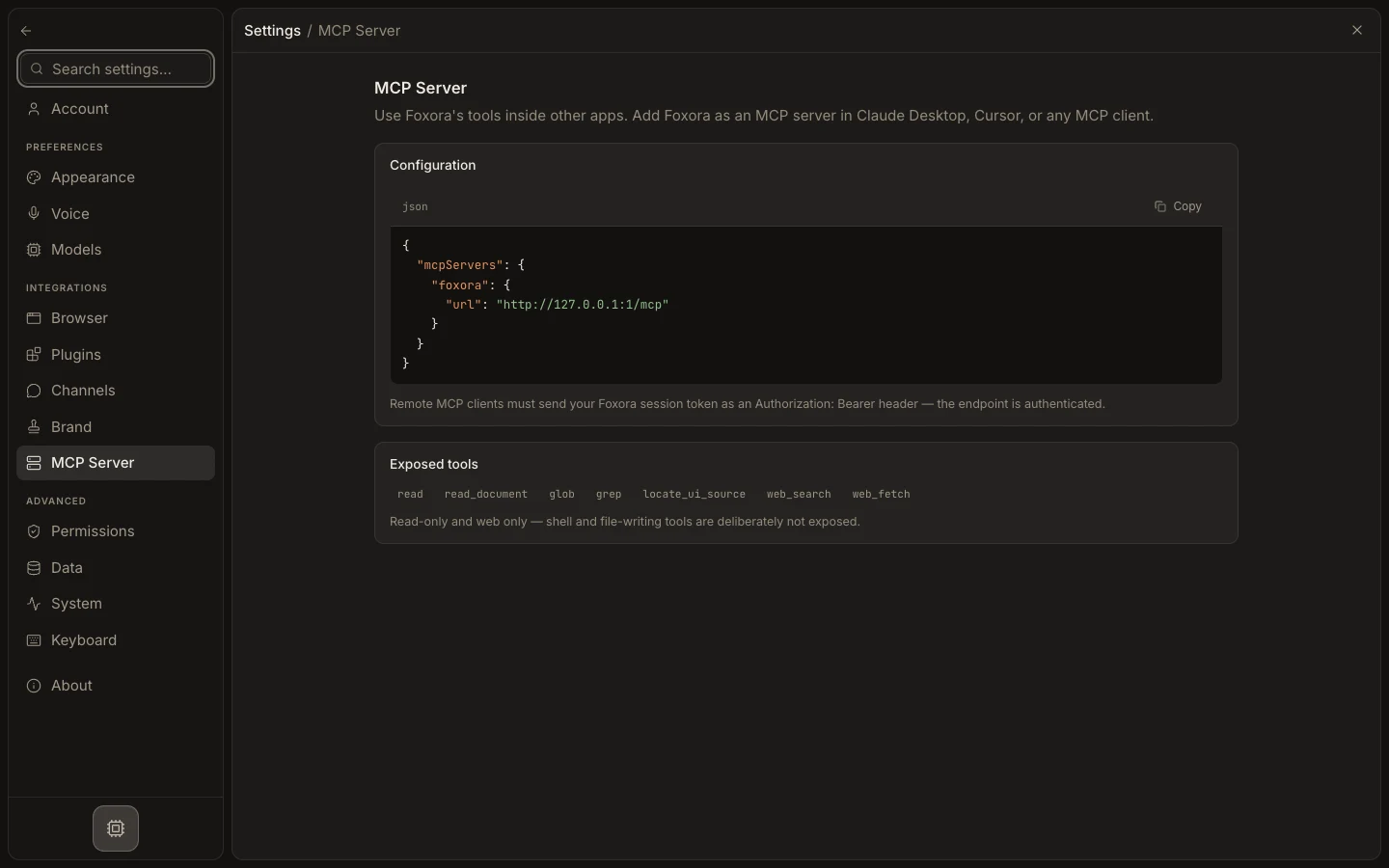
外部 client を接続する
- Settings → MCP Server を開きます。
- 生成された
mcpServersJSON をコピーします。 - Claude Desktop、Cursor、別 compatible client の MCP configuration へ貼り付けます。
- local loopback endpoint では Foxora Desktop を起動したままにし、web endpoint では必要な Bearer header を追加します。
- client を再起動・再読み込みし、安全な read/web query を実行します。
期待される結果
外部 client は read、glob、grep、web_search、web_fetch などの公開 tools を呼べますが、file write や shell は使えません。