
Runs の概要
Runs は live task、specialist、command、workflow execution、永続履歴を一つの読み取り専用運用ビューにまとめます。
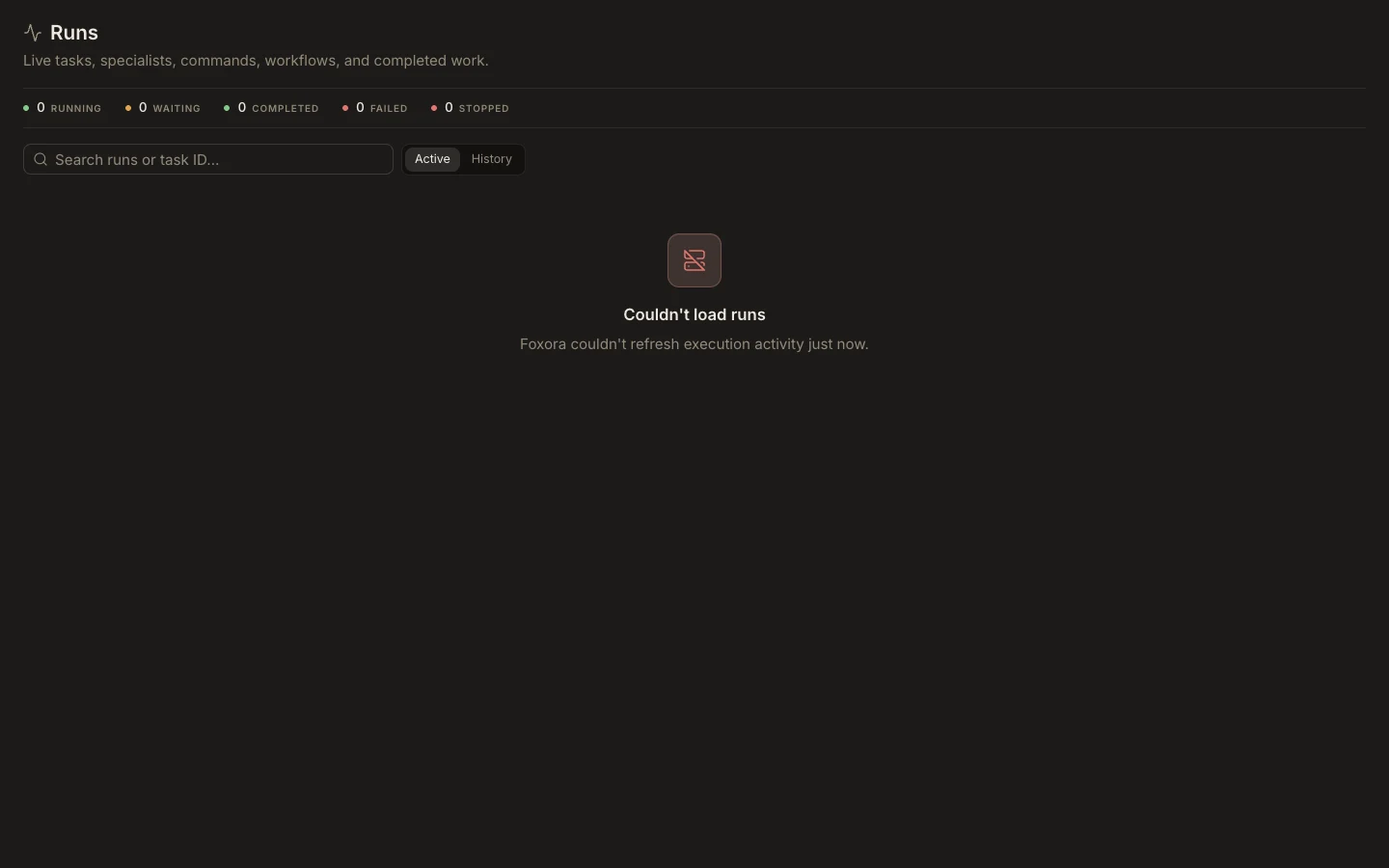
Run を読む
- Foxora の作業領域から Runs を開きます。
- 実行中・待機中は Active、完了・失敗・停止済みは History を使います。
- title、description、task ID、session ID、automation run ID で検索します。
- Details を選び、plan、process tree、workflow steps を確認します。
- サポートや照合で正確な識別子が必要なら session ID をコピーします。
期待される結果
run を新規タスクと混同せず、state、duration、activity、child processes を確認できます。run は task、specialist、command、schedule、workflow から作成され、単独の New run 操作はありません。