
独自キーを使う
BYOK を使うと、custom agent を provider account 課金の model へ routing できます。provider form が secret を受け取り、後の編集では保存 secret が masked 表示されます。
このページの内容2
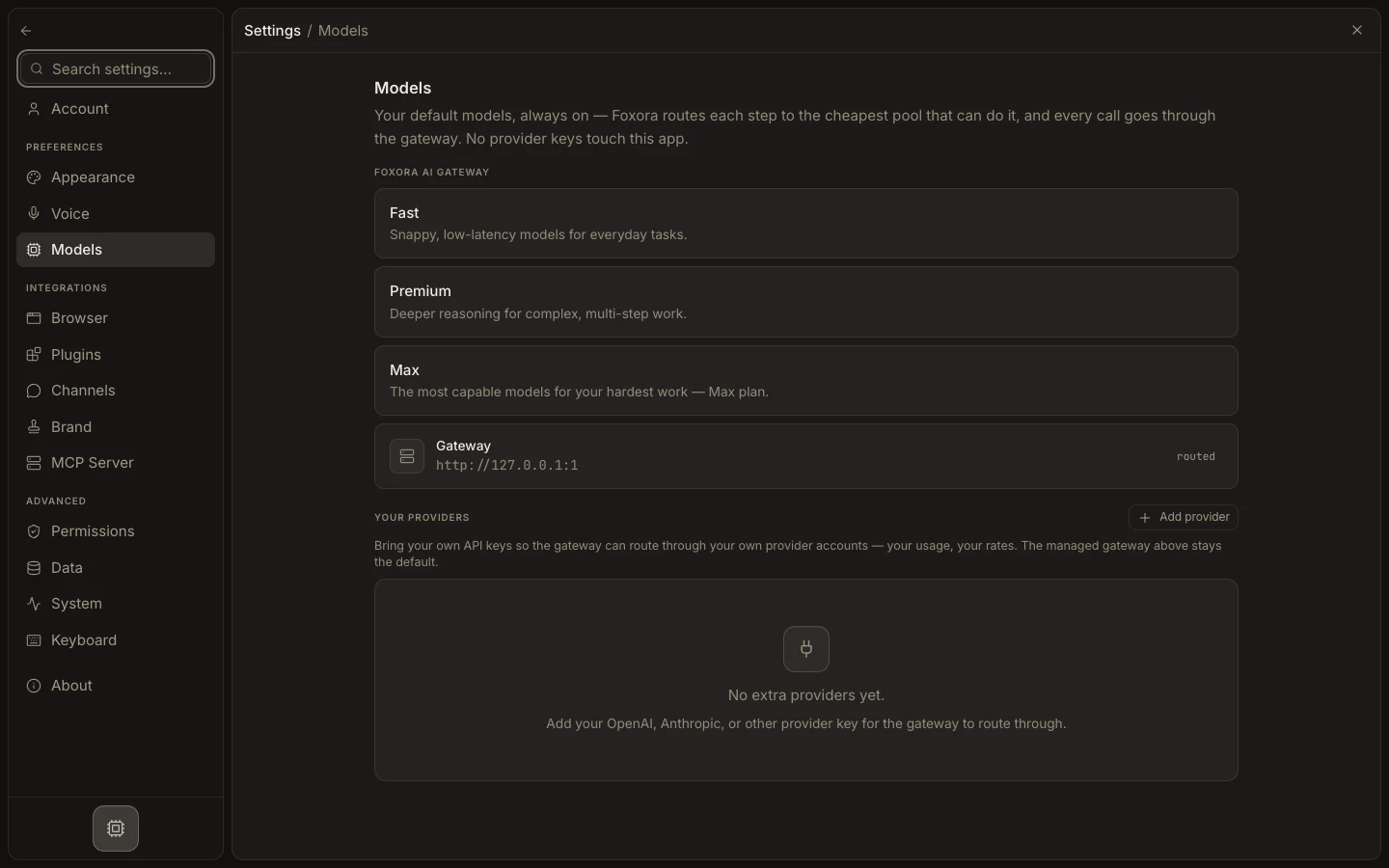
独自モデルアカウントを使う
- provider 自身の console で必要最小限の access を持つ API key を作ります。
- Settings → Models → Your providers を開きます。
- Add provider で provider を選び、key を貼り付けて Connect を選びます。
- custom agent の Models で Your own model を選びます。
- primary model と任意の fallbacks を追加し、保存して agent をテストします。
期待される結果
agent は ordered BYOK route を使います。provider の billing/rate limits が適用され、他の agents は Foxora-managed routing を継続できます。