
Latest release
Find the current Desktop release through Foxora’s updater or signed public release channel instead of relying on a version copied into documentation.
이 참조 페이지는 현재 영어로만 제공됩니다.
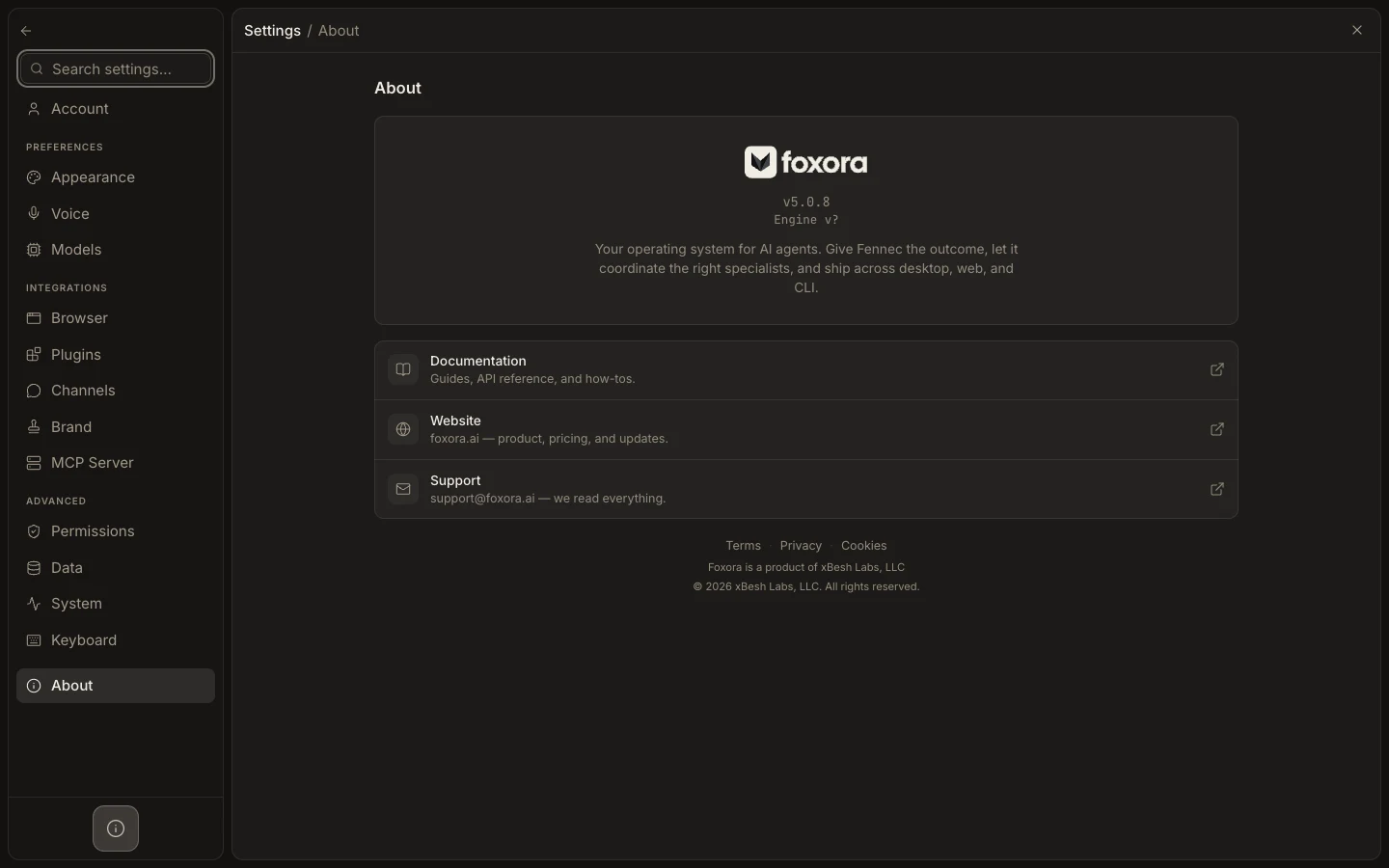
- Open Settings → About and note the installed app and engine identifiers.
- Choose Check for Updates.
- If an update is available, read the displayed release notes and select Install & restart when ready.
- Relaunch Foxora and reopen About.
- Compare against the latest signed release if you need artifact details.
The CLI has its own version and update path: run foxora --version followed by foxora update. A Desktop update does not prove that a separately installed CLI changed.
Expected result: the updater reports Foxora current or the installed build matches the selected signed release after relaunch.