
Appearance settings
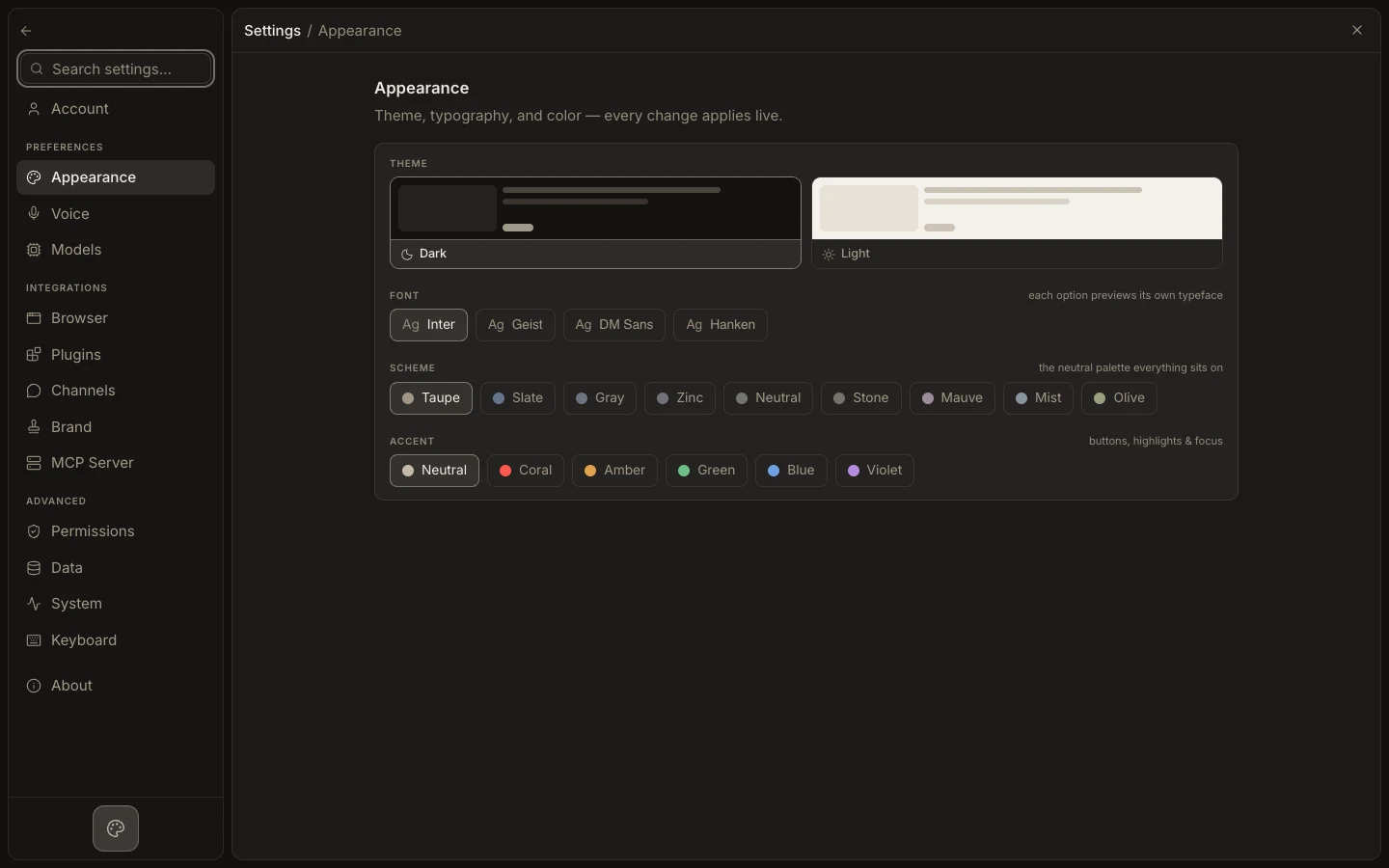
Appearance controls the visual theme used by Foxora on the current account and device. The available choices are theme, font, neutral scheme, and accent.
이 참조 페이지는 현재 영어로만 제공됩니다.
Change the interface
- Open
Settings→Appearance. - Choose
DarkorLightunderTheme. - Select a
Fontand preview its typeface in the option. - Pick a
Schemefor the neutral palette and anAccentfor buttons, highlights, and focus. - Check a conversation, editor, and Settings page for readability.
Expected result
The interface updates immediately and uses the selected theme, font, scheme, and accent. Density, text-scale, and motion controls are not part of this page.