
About and update settings
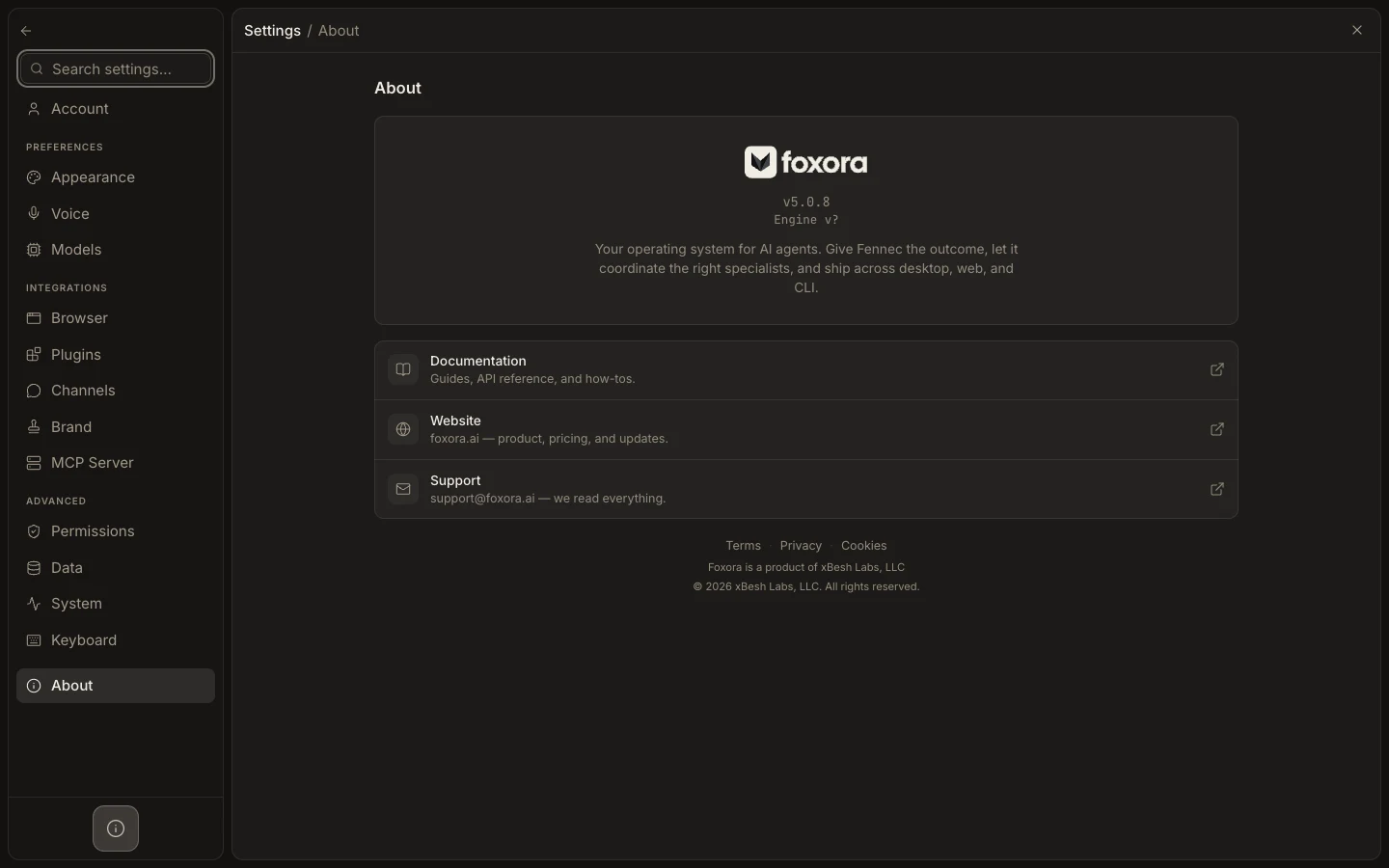
About identifies the running Foxora app and engine, links to support resources, and exposes the signed Desktop updater when that bridge is available.
이 참조 페이지는 현재 영어로만 제공됩니다.
Check or install an update
- Open
Settings→About. - Record the displayed app and engine versions when diagnosing an issue.
- Select
Check for Updates; if a release is found, openView Update…. - Save active work, then choose
Install & restart, or selectLaterto defer. - After restart, reopen About and run a small task to verify the updated app and engine path.
Expected result
Desktop reports the current version or completes the signed update. Documentation, Website, Support, Terms, Privacy, and Cookies links remain available from the same page.