
Keyboard settings
Keyboard is a searchable, operating-system-aware reference for Foxora shortcuts. The current page groups bindings by where they work; it does not edit or save custom key mappings.
이 참조 페이지는 현재 영어로만 제공됩니다.
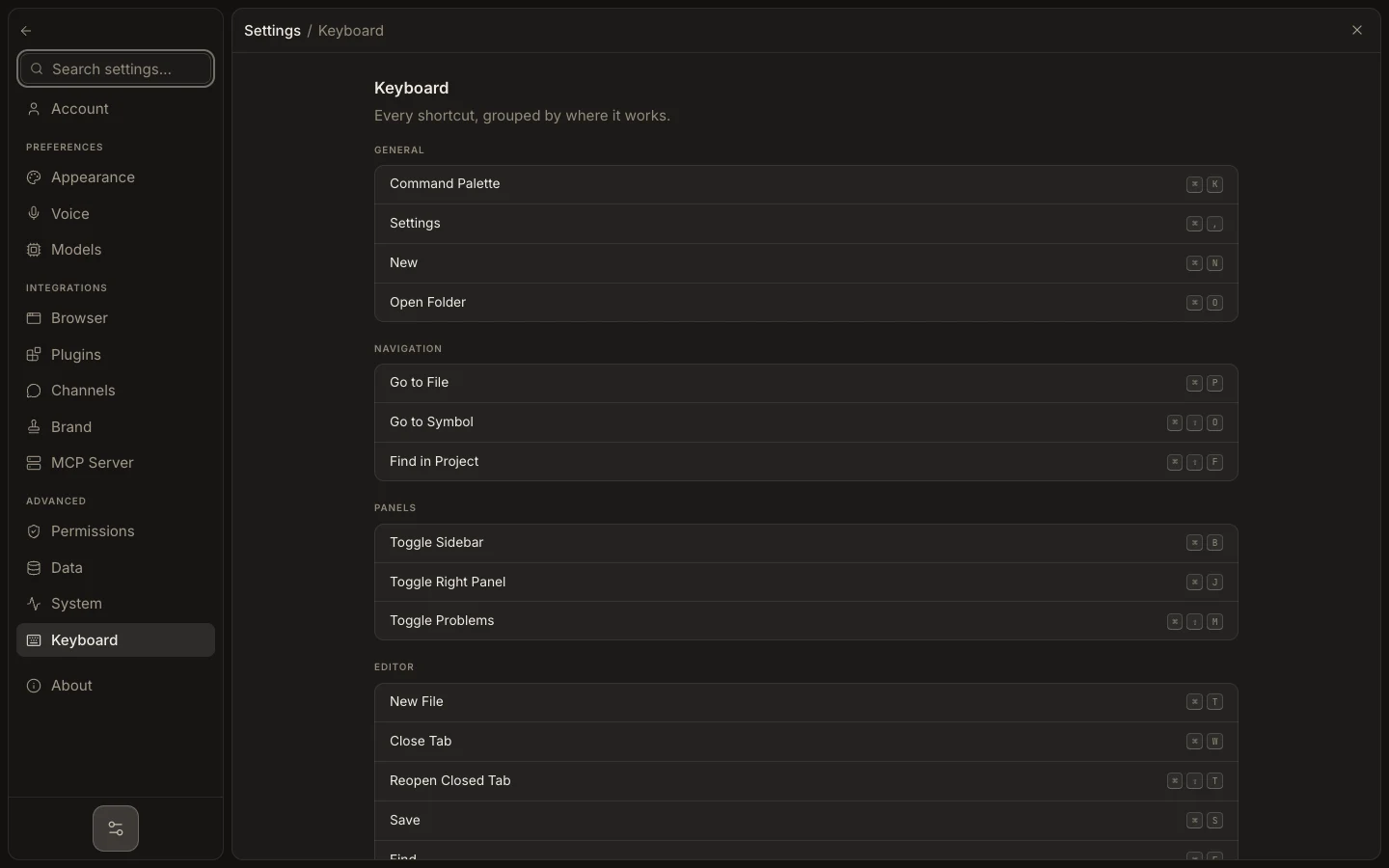
Find and test a shortcut
- Open
Settings→Keyboard. - Find the relevant group and action label.
- Read the displayed key combination for the current operating system.
- Close Settings and press it in the workspace context named by that group.
- If another app intercepts the keys, resolve that operating-system or application conflict outside Foxora.
Expected result
The documented action runs in its supported context. No binding is changed by viewing or testing the shortcut.