

설정
Settings overview
Settings contains account-wide and device-specific controls for Foxora. Agent, crew, workflow, and task behavior still belongs in the builder or surface that owns it.
Markdown 보기게시된 Studio 가이드입니다. 일부 스크린샷은 이전 버전입니다.
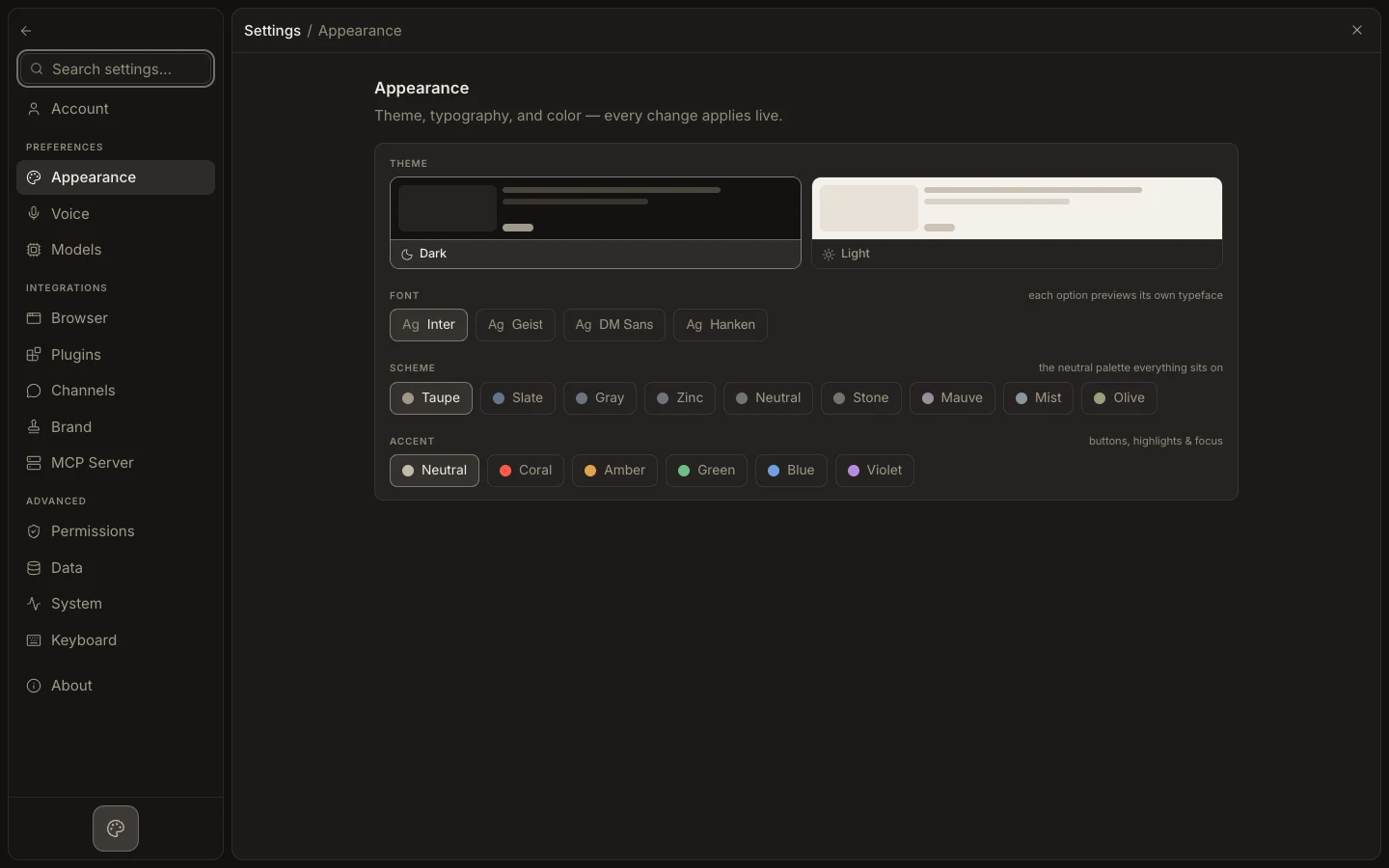
Find the right setting
- Open
Settingsfrom the app menu or with the settings shortcut. - Use
Search settings…to jump to a section or matching entry. - Choose among Account, Appearance, Voice, Models, Browser, Plugins, Channels, Brand, MCP Server, Permissions, Data, System, Keyboard, and About.
- Change one setting at a time; some controls save immediately, while connection forms require an update action.
- Return to the affected surface and run a small check.
Expected result
The setting persists at its documented scope without unexpectedly changing an individual agent, task, or workflow.