
Browser and computer-use problems
Check the selected browser mode, required pack or extension, and operating-system permission before repeating computer-use work.
이 참조 페이지는 현재 영어로만 제공됩니다.
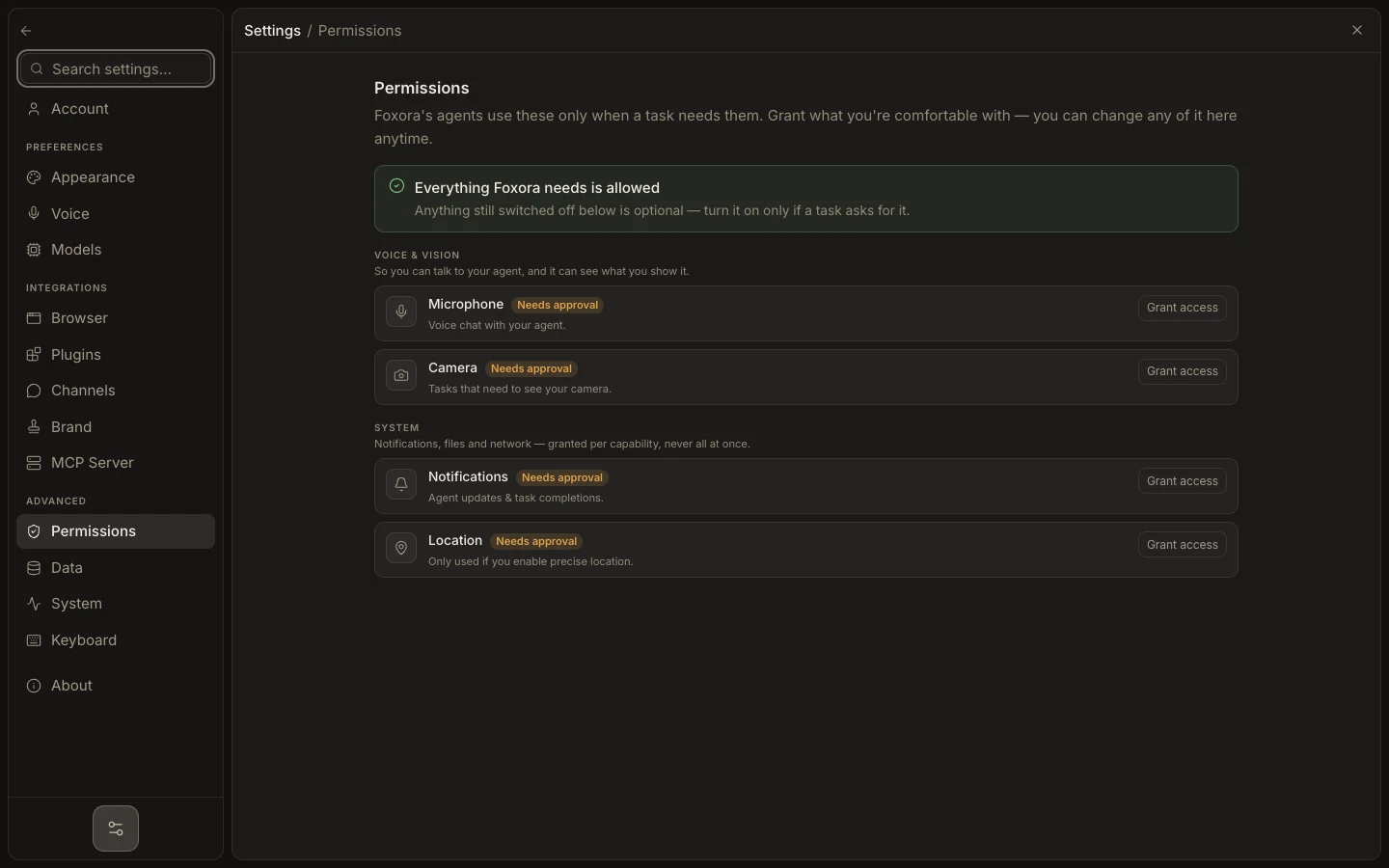
- Open Settings → Browser and press Refresh.
- Confirm the mode: Automatic, Foxora Browser, My Chrome, or Background.
- Install the Browser Pack for managed or background Playwright work; connect Foxora Connect for My Chrome.
- Open Settings → Permissions and grant only the screen, accessibility, automation, or input access the task requests.
- Retry on a harmless page while keeping the target window visible when the mode requires it.
Web can connect to Chrome but cannot change another device’s Desktop browser mode. Removing the Browser Pack does not delete its profiles or downloads.
Expected result: Browser shows Active or connected, and one safe navigation or read completes in the selected mode.