
Permission settings
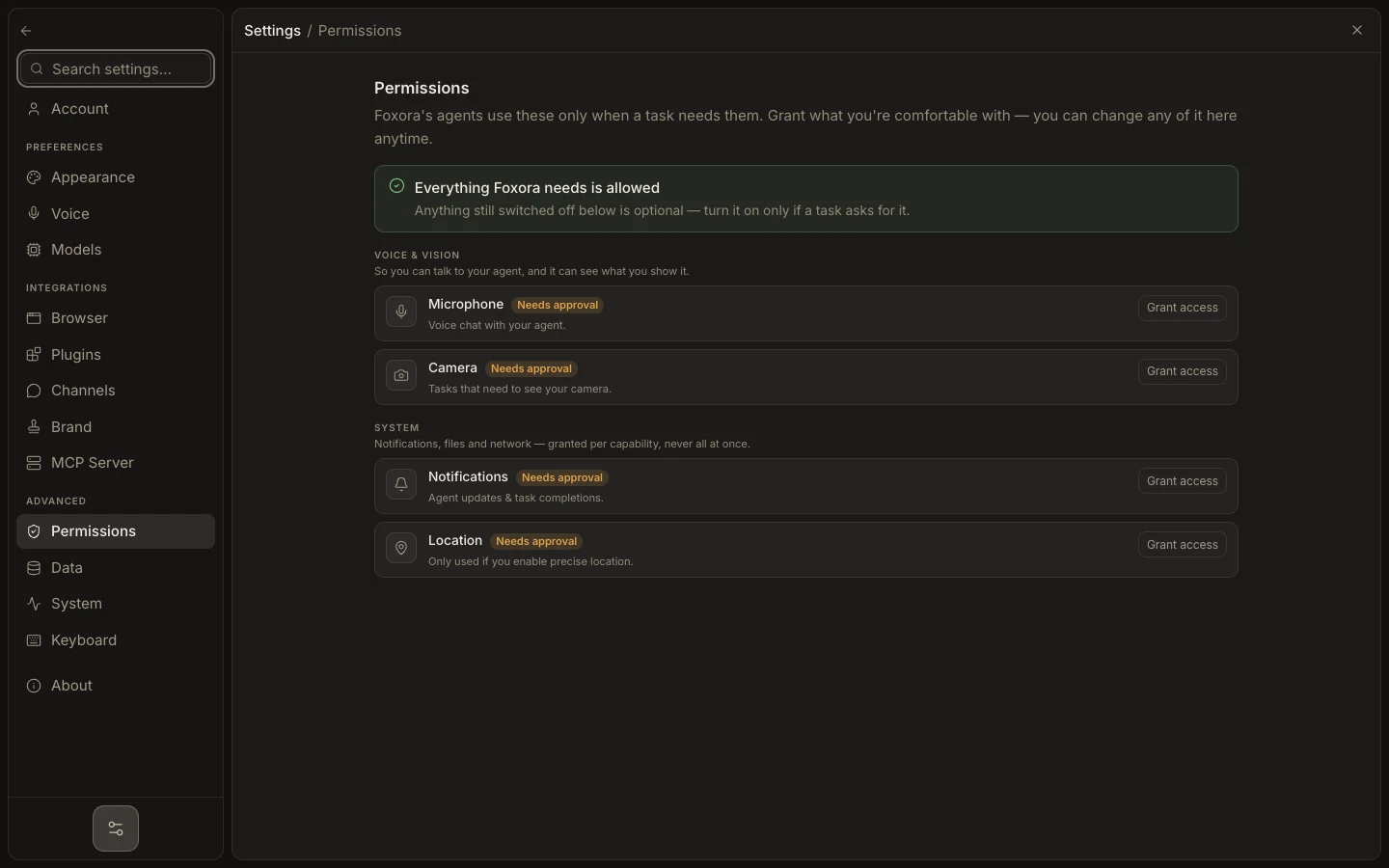
Permissions combines operating-system grants with Foxora capability switches. Agents request these only when a task needs them, and optional access should not be treated as a fault.
이 참조 페이지는 현재 영어로만 제공됩니다.
Grant the minimum access
- Open
Settings→Permissions. - Review the grouped rows for voice and vision, computer control, and system capabilities.
- Use
Grant accessorOpen system settingswhen the operating system requires approval. - Enable only the Foxora capability switches needed for the task.
- Return to the task and retry the blocked action; revoke the switch or OS permission when it is no longer required.
Expected result
Required capabilities show as allowed and the task can proceed. Full Disk Access (optional) may remain off without making the installation unhealthy.