
Account and sign-in problems
Confirm the Foxora domain, identity, browser handoff, and device session before resetting credentials.
이 참조 페이지는 현재 영어로만 제공됩니다.
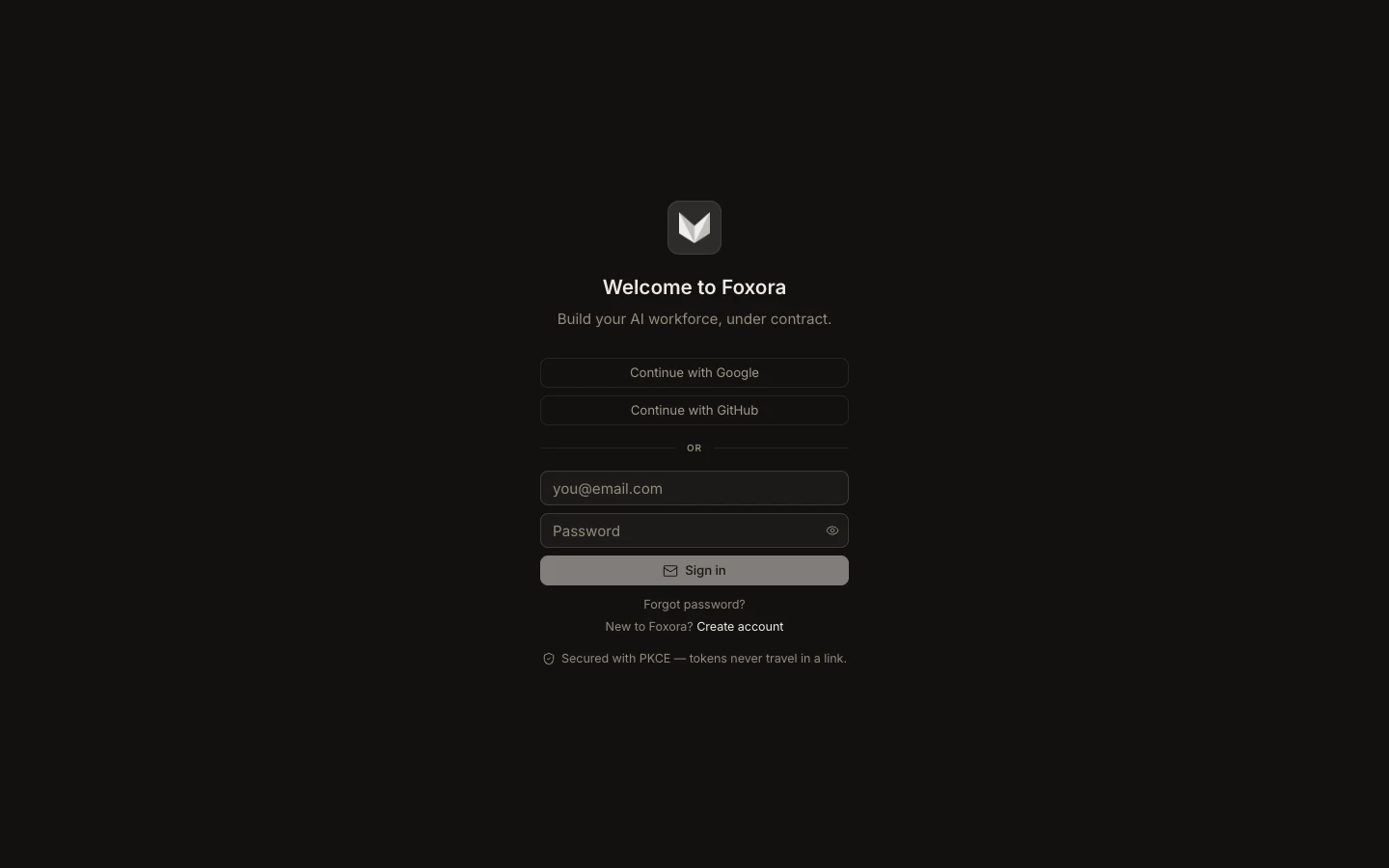
- Check network access and the device clock.
- Start sign-in again from Studio, account.foxora.ai, or
foxora login. - For Google or GitHub, choose the intended provider account and return after the callback.
- Verify the email under Settings → Account or with
foxora whoami. - Open Security & sessions and revoke stale or unfamiliar devices.
For email/password accounts, use Forgot password? and the newest reset email. If account data loads but a task receives 401, preserve the task error: an expired run credential can differ from a failed interactive sign-in.
Expected result: the intended identity is visible and a new small task can authenticate.