

문제 해결
Collecting diagnostics
Collect enough redacted evidence to reproduce a Foxora failure without exposing tokens, secrets, private prompts, or unrelated files.
Markdown 보기게시된 Studio 가이드입니다. 일부 스크린샷은 이전 버전입니다.
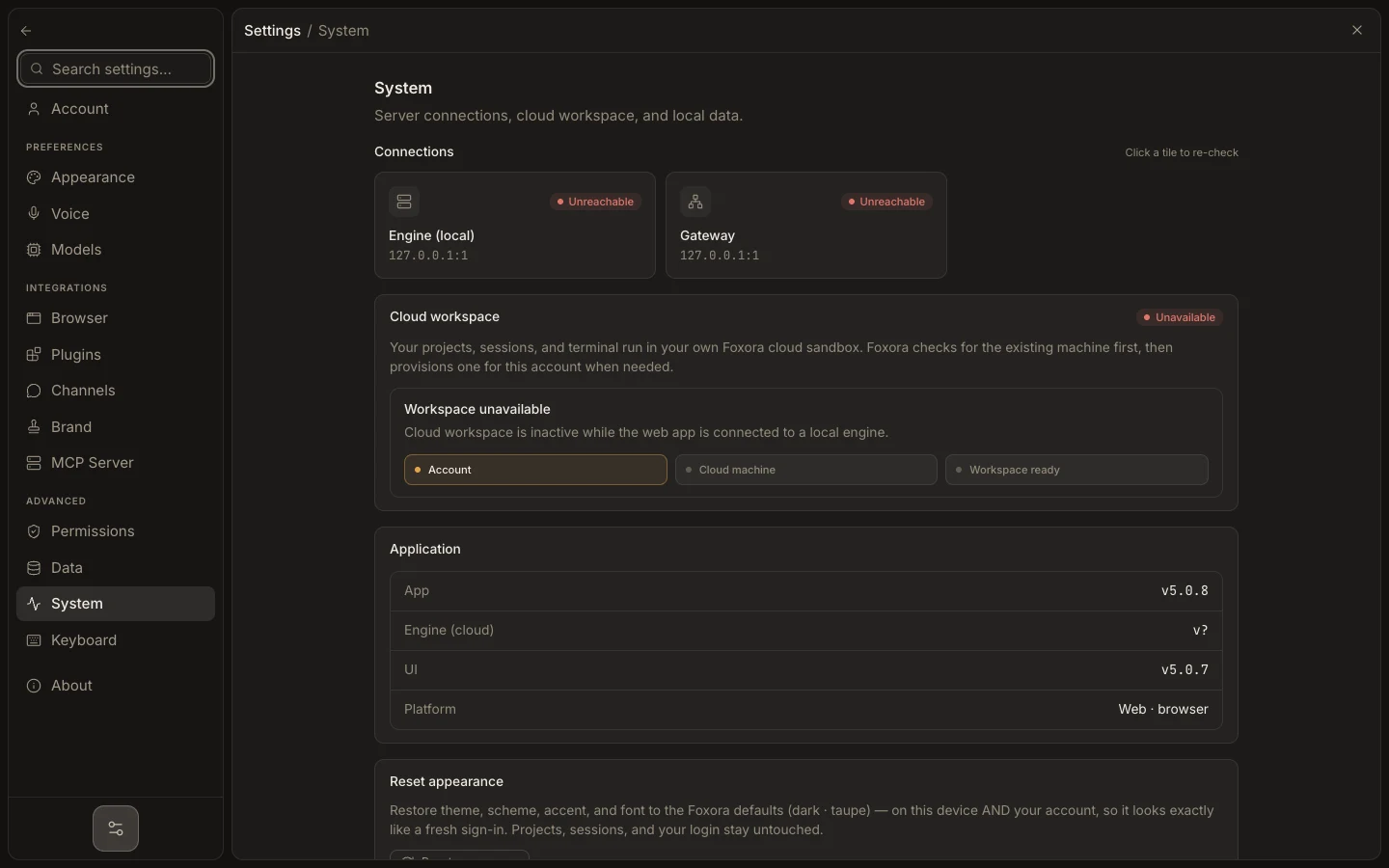
- Record the operating system, Desktop version, CLI version, and time with timezone.
- Copy the exact error plus task, run, session, or
x-request-idshown by the failing surface. - List the smallest reproduction and the expected versus actual result.
- Capture Settings → System status or
foxora doctoroutput. - Redact Authorization headers, cookies, API keys, email contents, project secrets, and signed URLs.
Prefer text for errors and identifiers; use a screenshot only when layout or state matters. Do not send an entire home directory, .env file, or Foxora data home.
Expected result: another person can locate the failing layer and repeat the safe reproduction without receiving credentials.