
Authorized devices
Use the account dashboard to review every Desktop, Web, and CLI session and revoke anything you no longer trust.
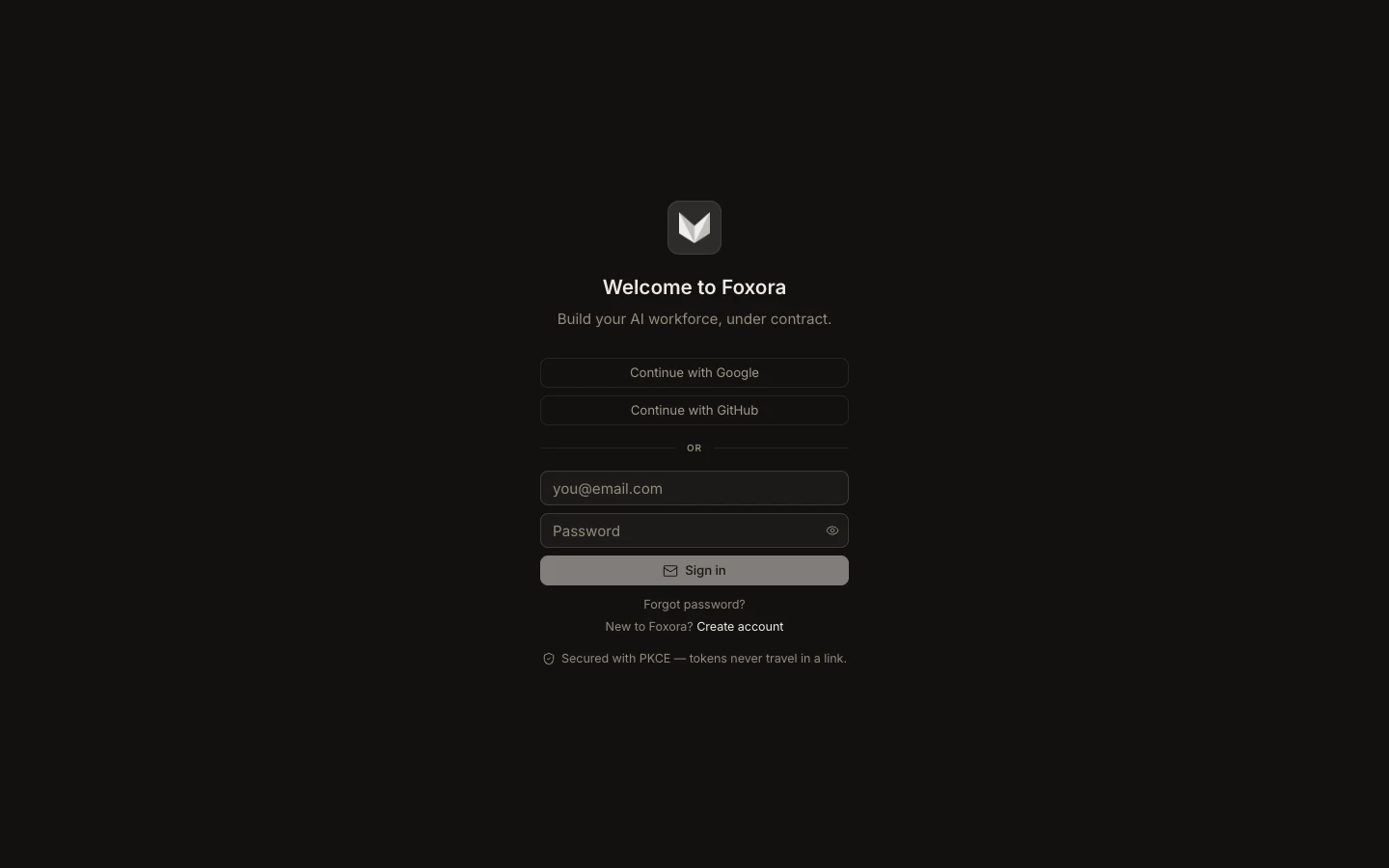
- Sign in at account.foxora.ai and open Devices.
- Compare each device name, platform, operating-system detail, location, and Last seen time.
- Identify the current device before changing access.
- Select Revoke beside an old, lost, or unfamiliar device and confirm.
- Refresh the list to verify that it no longer appears as connected.
Revocation signs that device out; it must authenticate again before using the account. Device location is supporting context, not proof of identity, because networks and location reporting can change.
Expected result: only devices you recognize remain active, and a revoked client can no longer use its former session.