
Add and configure crew agents
Crew members should cover distinct parts of one mission. Their type must match the crew’s deployment type.
On this page2
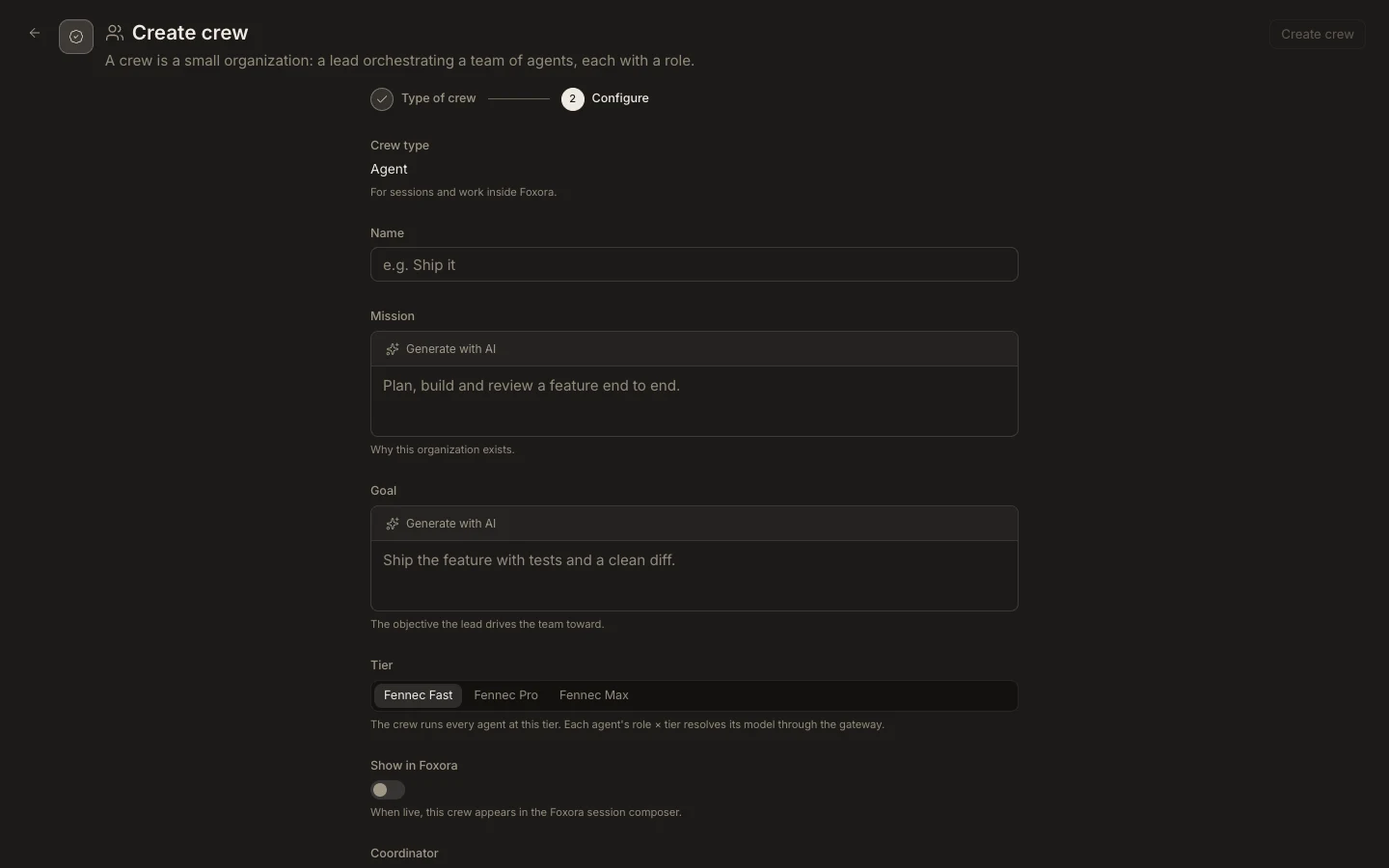
Build the team
- Open a custom crew or create one, then confirm its fixed
Crew type. - Set a concise
Missionand a concreteGoal. - Under
Team, choose eligible agents: Text for Agent crews, Voice for Voice crews, and Bot for Chatbot crews. - Give each member a short role such as Researcher, Engineer, or Reviewer.
- Choose the crew
Tierand save.
Expected result
Every member appears once, has a distinct responsibility, and matches the crew type. Studio blocks incompatible or over-limit teams. Tools, skills, plugins, memory, and permissions stay on each agent rather than being duplicated at crew level.