
Recover a task
Retry safely after an error without losing the transcript or repeating completed work.
On this page2
Keep the transcript. It tells you what finished and where the run stopped.
Steps
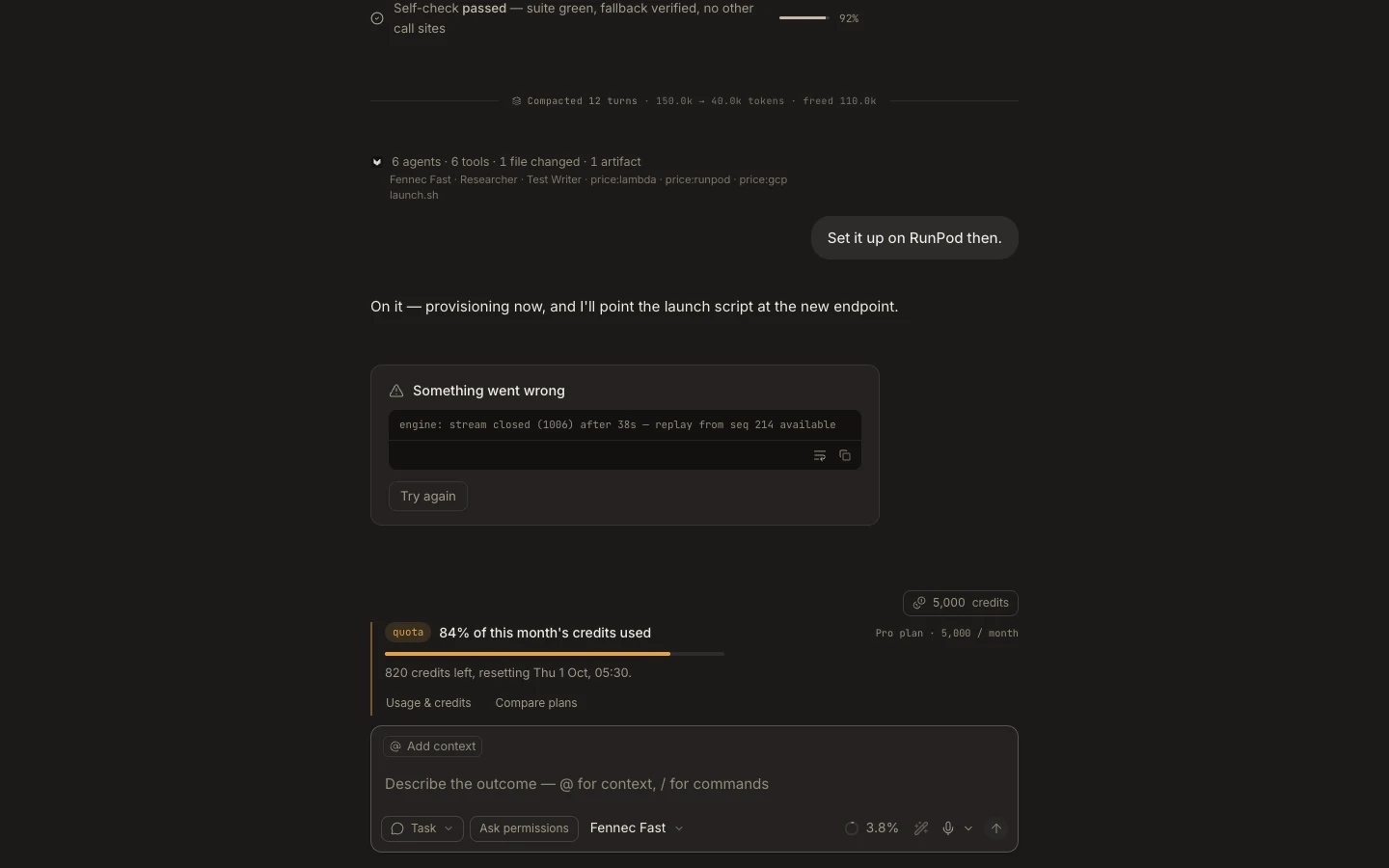
- Read the error card and the last completed plan step.
- Check whether the failed action changed a file, sent a message, or created an external resource.
- Fix the concrete cause: sign in again, reconnect a plugin, approve the action, or restore the network.
- Select
Try againorRetrywhen that option appears and the action is safe to repeat. Otherwise, send a follow-up that says what already completed. - Verify the result instead of relying only on a green status.
Do not delete the task just to clear an error; that removes useful recovery context.
You are done when
The task continues from a known state, the failed step is resolved, and no external action was duplicated.