
Images, diagrams, tables, and media
Visual and structured outputs can open in Stage, while the Media surface collects task assets for focused review and export.
On this page2
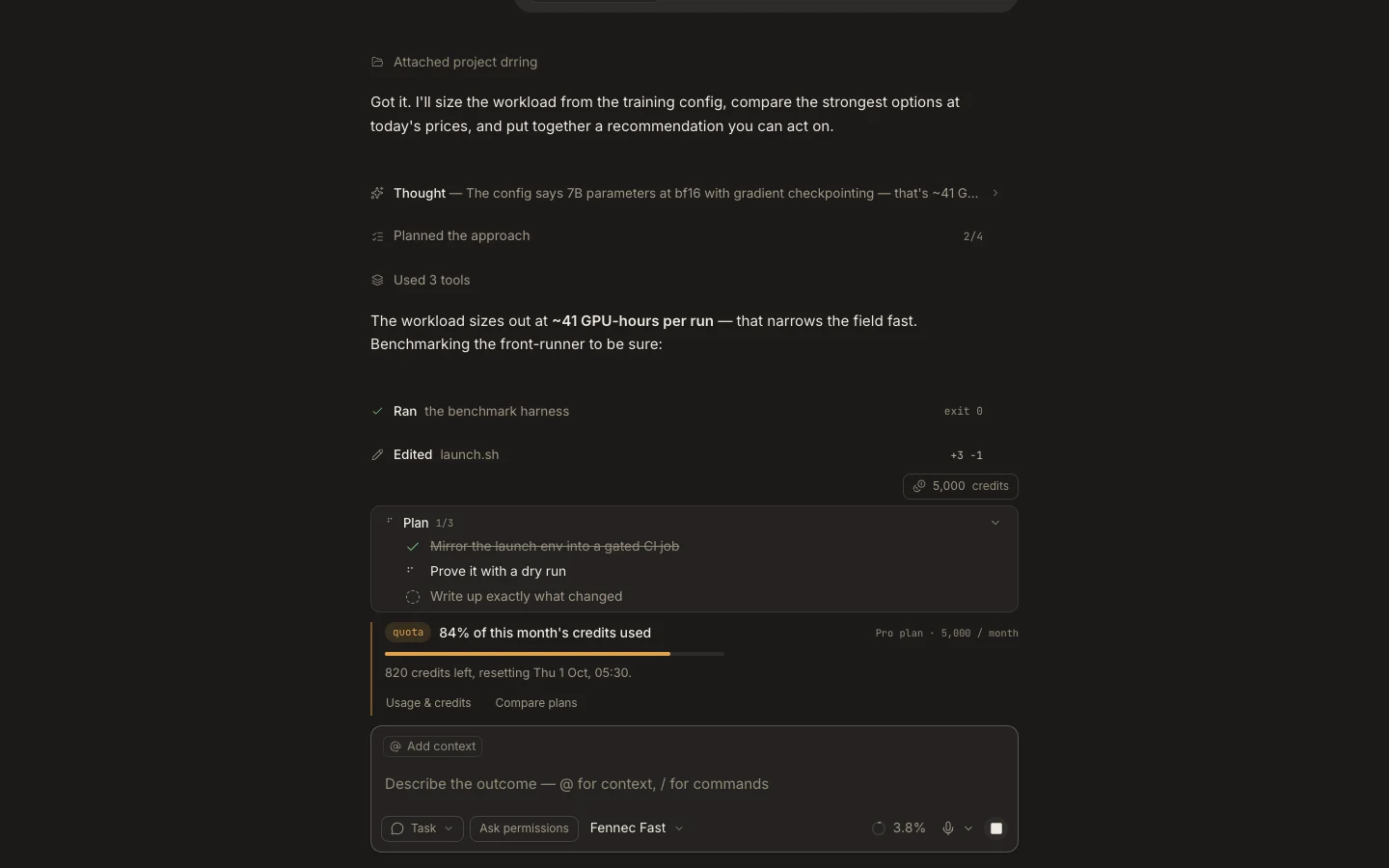
Steps
- Open the generated image, diagram, table, audio, or video from the transcript.
- Use the Stage preview to inspect details; switch to code for supported source-backed formats.
- Open Media to filter the task’s image, video, and audio assets.
- Copy or download the accepted result and verify its filename and format.
Expected result
You can compare the rendered output with its source or prompt and save the approved asset.
Note: Fullscreen is offered for supported images; other actions depend on the artifact type and runtime.