
Signing in
Sign in with the intended Foxora identity, complete any browser handoff, and verify the account before running a task.
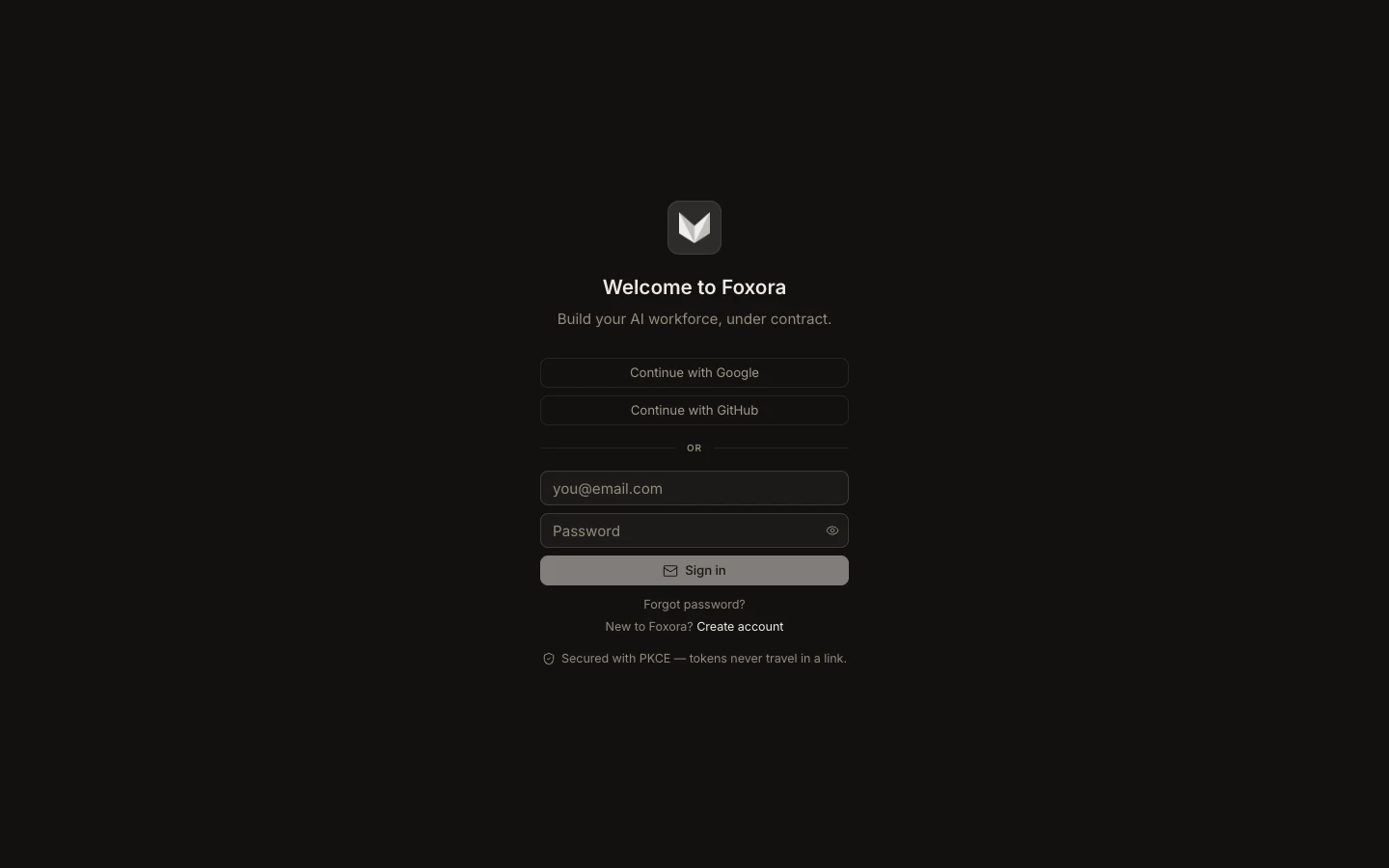
- In Studio, choose Google, GitHub, or email and password.
- For an OAuth sign-in, confirm the browser is on the official Foxora account flow and select the correct provider account.
- Return to Studio after the handoff; email-and-password sign-in completes in the app.
- Open Settings → Account and check the displayed email.
For the CLI, run foxora login, approve the code in the browser, then run foxora whoami. If the wrong identity is active, sign out first instead of layering another login over it.
Expected result: Account or foxora whoami shows the email you intended to authorize.