
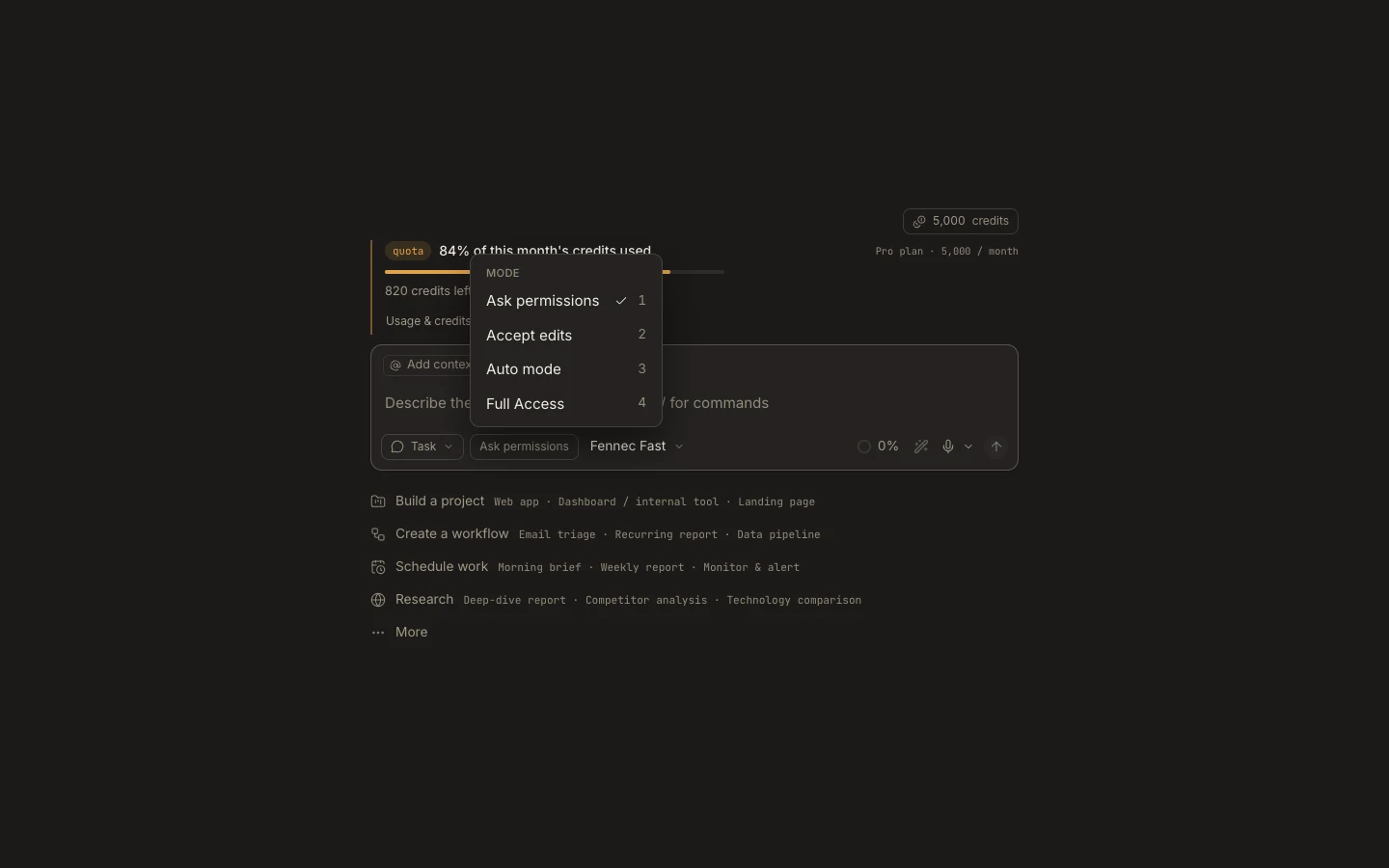
Ask Permissions mode
Ask Permissions is the most review-heavy mode: every mutating file, command, browser, or computer action pauses for your decision.
On this page2
Steps
- Choose Ask permissions from the autonomy chip.
- Send a bounded request and wait for the first approval card.
- Check the exact path, command, site, or action shown.
- Select Allow once only when it matches the request; otherwise select Deny and clarify.
Expected result
Read-only work can continue, while each mutation requires a separate explicit approval.
Note: Allow once applies to that action only; it is not a permanent trust rule.