
Starting a task
Start a task with a clear outcome, the correct execution location, and only the project context it needs.
On this page2
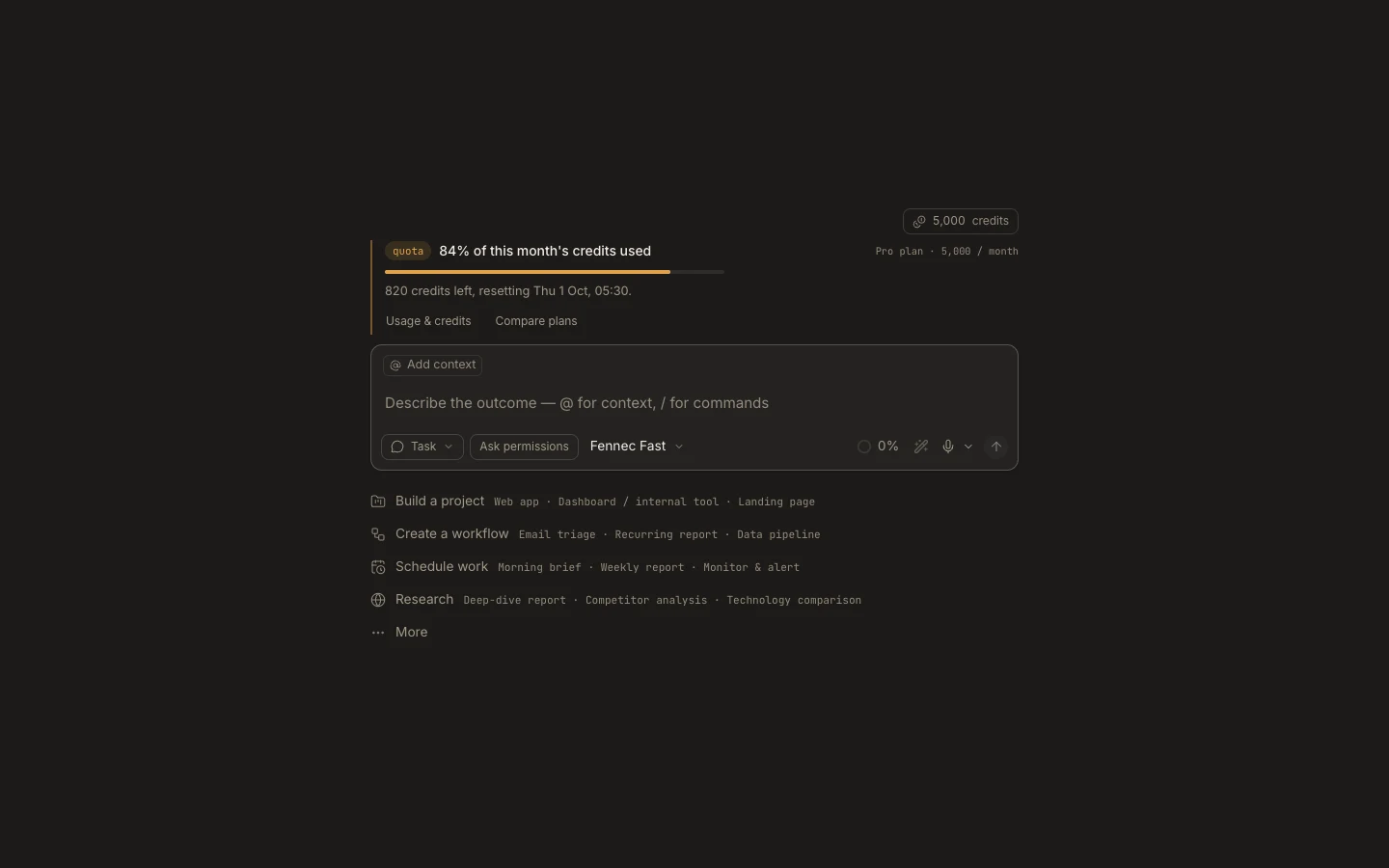
Steps
- Select New task or press Command/Ctrl+N.
- On Desktop, choose This computer or Cloud; Foxora Web always runs in Cloud.
- Attach a project folder when needed, then choose the autonomy mode and Fennec tier.
- Describe the outcome, constraints, and verification, and press Enter.
Expected result
A new task opens, starts in the selected environment, and records every subsequent message and action.
Note: Starting without a project uses a private managed workspace; attach a real project before requesting edits to existing local files.