
Availability, cost, and limits
Tier access comes from the signed-in account and plan. Managed work consumes Foxora credits, while BYOK routes can also be subject to the connected provider's billing and rate limits.
On this page2
Check before a run
- Open
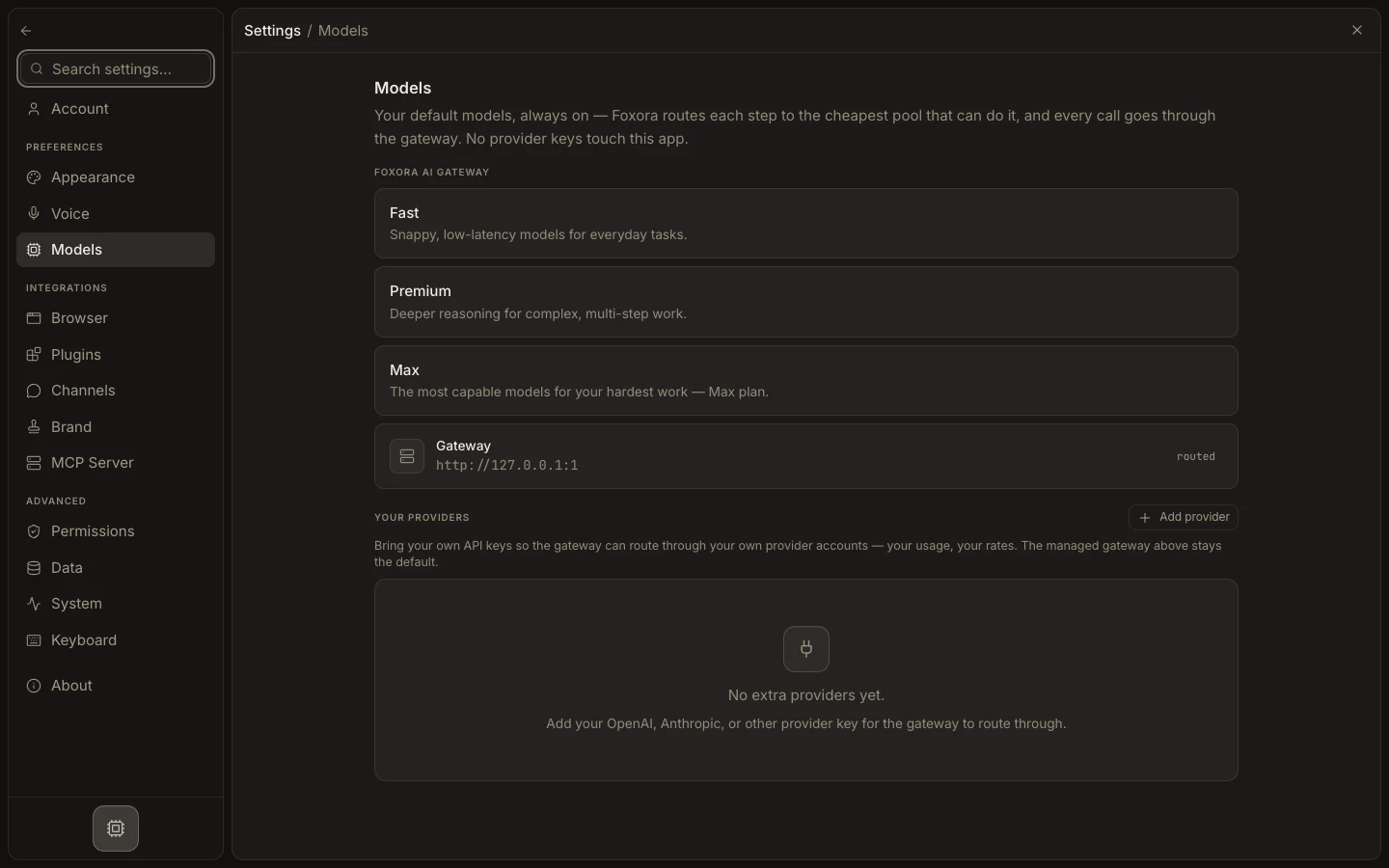
Settings→Modelsand review each tier's included or locked state. - Open
Usage & creditsfrom the task surface to check the live balance and reset windows. - For BYOK, review usage, limits, and charges in the provider console.
- Confirm the custom agent still lists its connected primary and fallback models.
- If a route is unavailable, choose an entitled Fennec tier, restore provider access, or update the plan.
Expected result
The run starts on an available route with understood Foxora credit and provider-account constraints.