
Crews overview
A crew is a supervised team. Fennec coordinates compatible agents, verifies their work, and reports one result.
On this page2
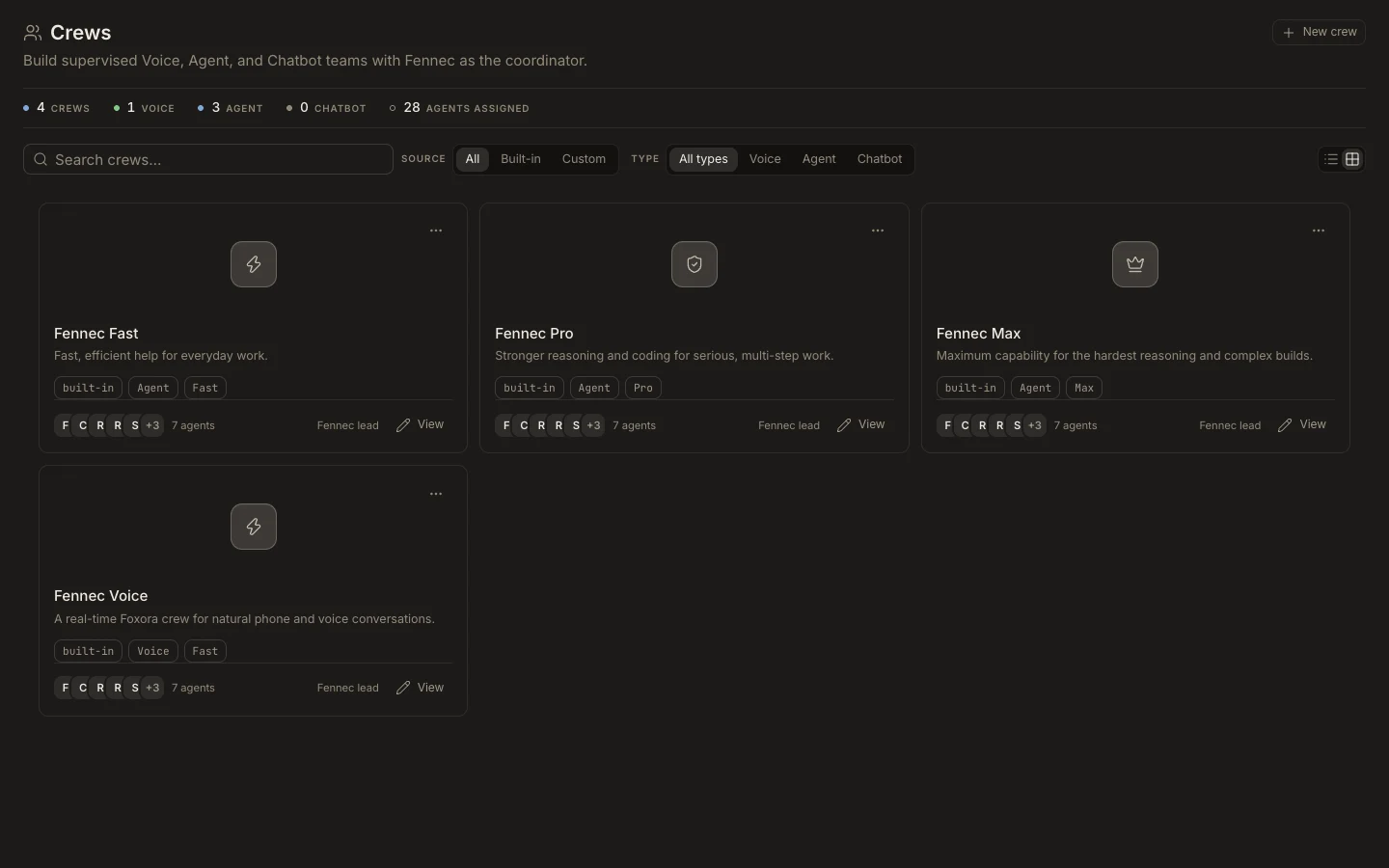
Find and use a crew
- Open
Studio→Crews. - Search the library or filter by
Built-in,Custom,Voice,Agent, orChatbot. - Open a crew to review its mission, goal, tier, coordinator, and member roles.
- Select
New crewto create a custom team for one deployment type. - Make it live only when it is ready for its Foxora, voice, or website surface.
Expected result
The crew appears with Fennec as coordinator and only compatible member types. Fennec does not consume a member seat. A crew inherits capabilities from its agents; edit the members when the team needs different tools or skills.