
Plans and pricing
Compare the plans and prices shown in the hosted dashboard, because included capabilities, allowances, and offers can change.
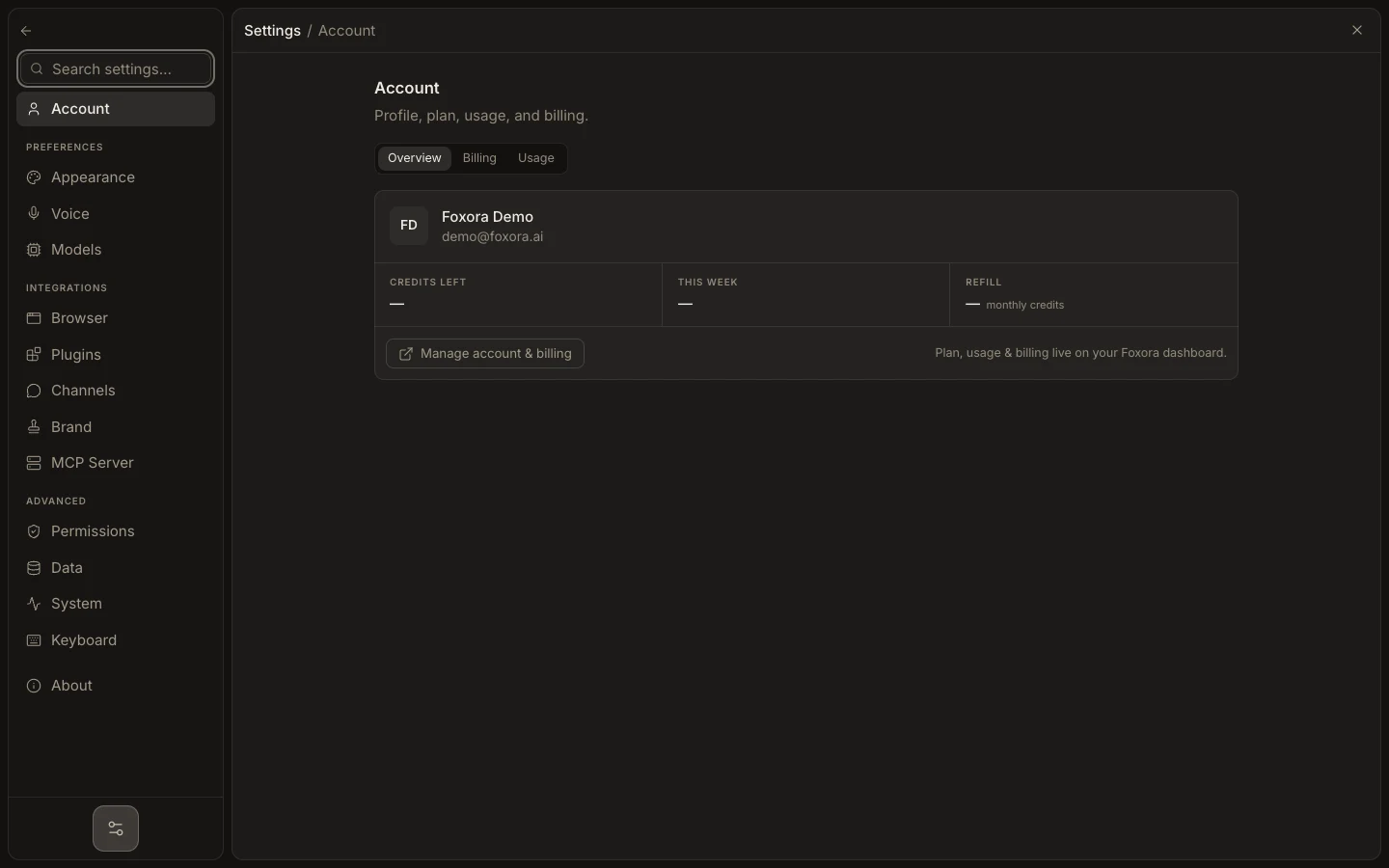
- Sign in at account.foxora.ai and open Plans & billing.
- Confirm the current plan badge and selected monthly or annual cadence.
- Compare each plan by the capabilities and credits needed for your real workload.
- Choose Upgrade or Downgrade, then review the checkout or confirmation page before accepting.
- Return to the dashboard and refresh the plan state.
Do not use an old screenshot as a price quote. The authenticated checkout summary is the authority for the amount, currency, taxes, renewal terms, and when a change takes effect.
Expected result: the intended plan is marked current and its billing terms match the confirmation you accepted.