
Settings overview
Settings contains account-wide and device-specific controls for Foxora. Agent, crew, workflow, and task behavior still belongs in the builder or surface that owns it.
On this page2
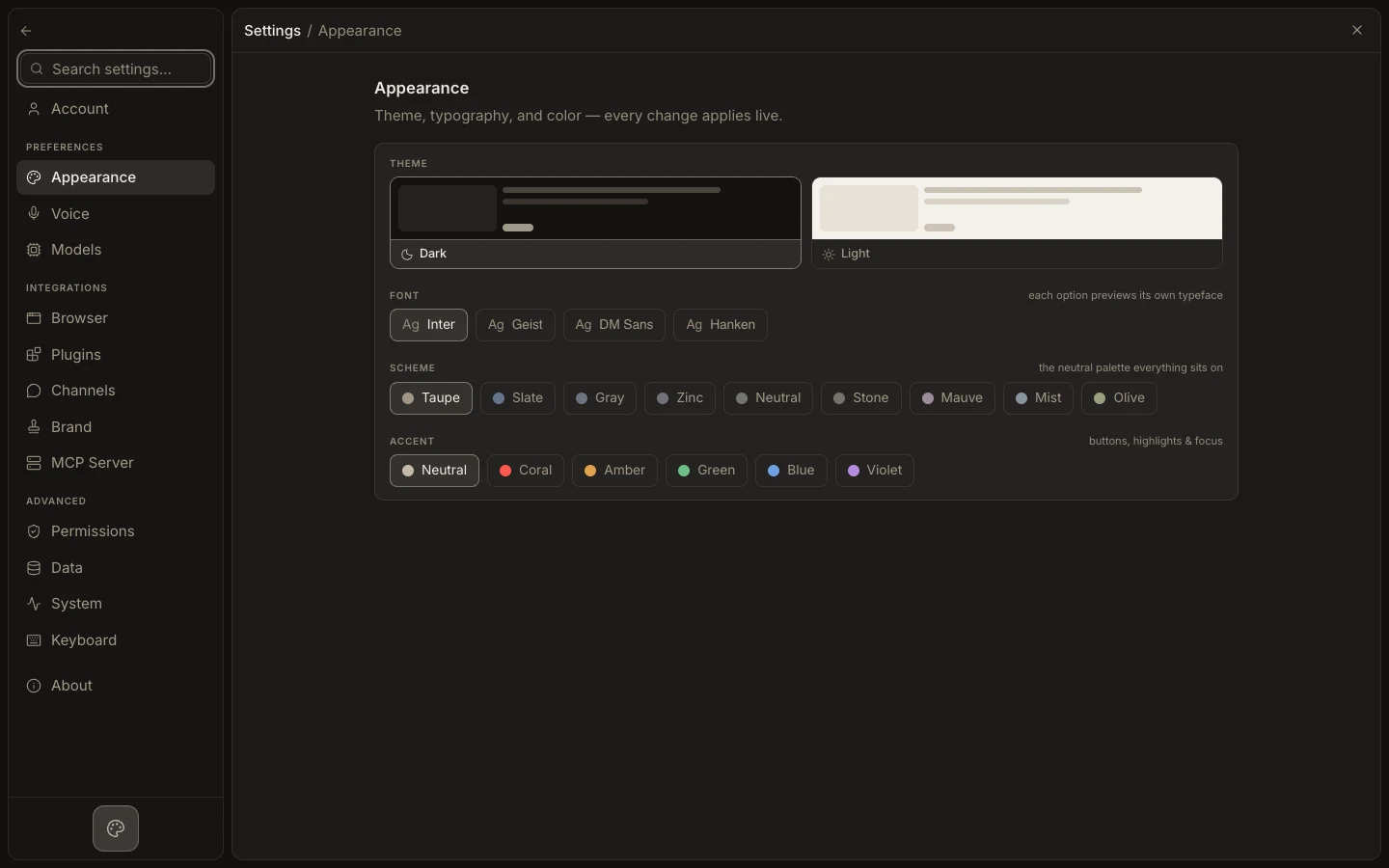
Find the right setting
- Open
Settingsfrom the app menu or with the settings shortcut. - Use
Search settings…to jump to a section or matching entry. - Choose among Account, Appearance, Voice, Models, Browser, Plugins, Channels, Brand, MCP Server, Permissions, Data, System, Keyboard, and About.
- Change one setting at a time; some controls save immediately, while connection forms require an update action.
- Return to the affected surface and run a small check.
Expected result
The setting persists at its documented scope without unexpectedly changing an individual agent, task, or workflow.