
Slash commands
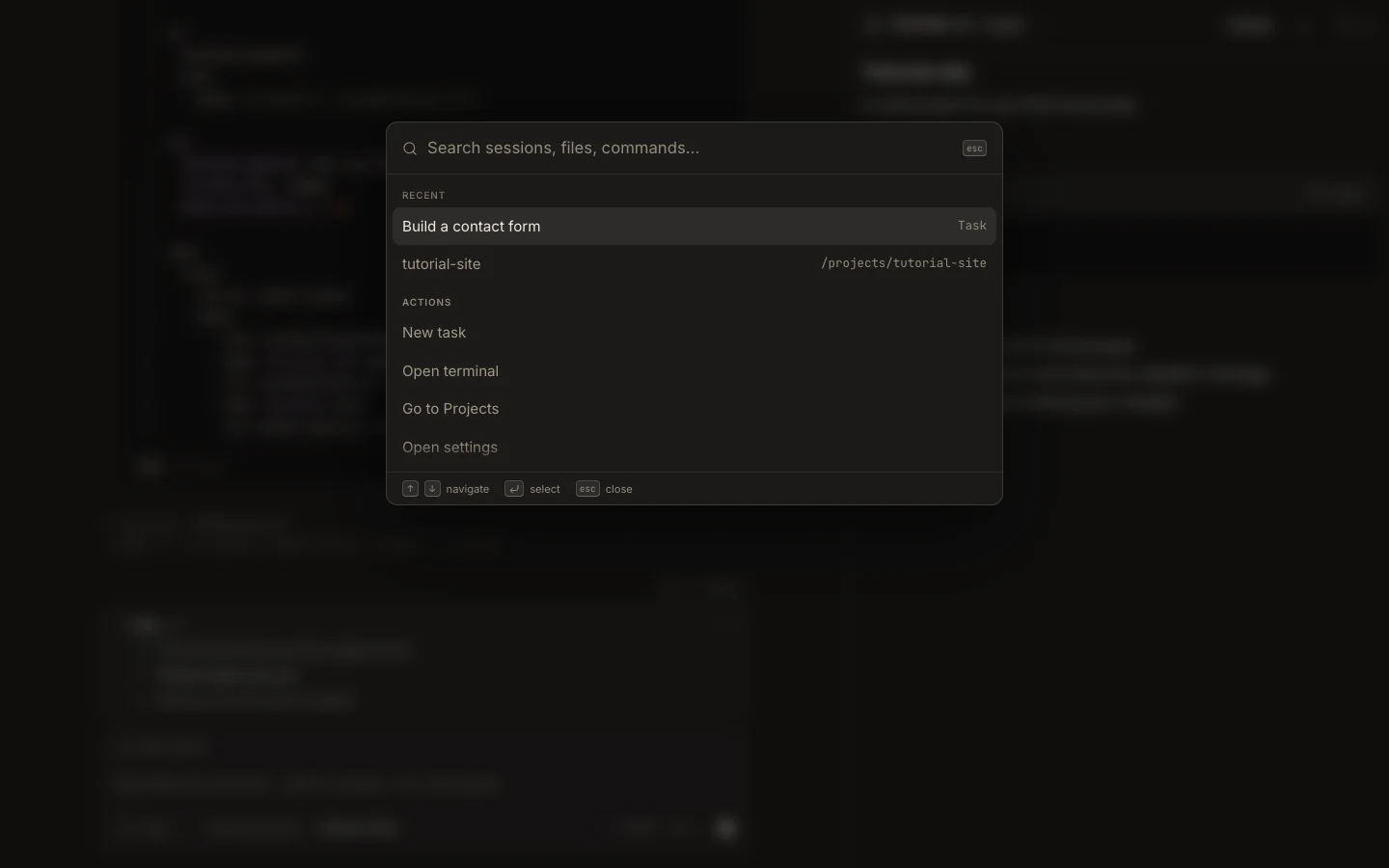
Slash commands expose registered client actions directly from the composer and can run without sending ordinary prose to Fennec.
On this page2
Steps
- Focus the composer and type / to open the command list.
- Search or use the arrow keys to select the intended command.
- Add any required argument shown by the command.
- Press Enter and verify the local action or inserted result before continuing.
Expected result
Foxora runs the selected registered command in the current interface context.
Note: Available commands can vary by platform and task state; do not assume a command exists until it appears in the list.